

The Bumper LED Light Bar Kit for the 2018-2026 Jeep JL Wrangler and 2020-2026 Jeep JT Gladiator lets you mount one or two Stage Series 30" LED Light Bars directly to the factory front bumper for a massive boost in off-road lighting. CAD-designed brackets use factory mounting points for a clean install, and the low-profile lightbar design eliminates whistling and wind noise on the highway.
Watch the full install video below, or scroll down for the step-by-step written guide.
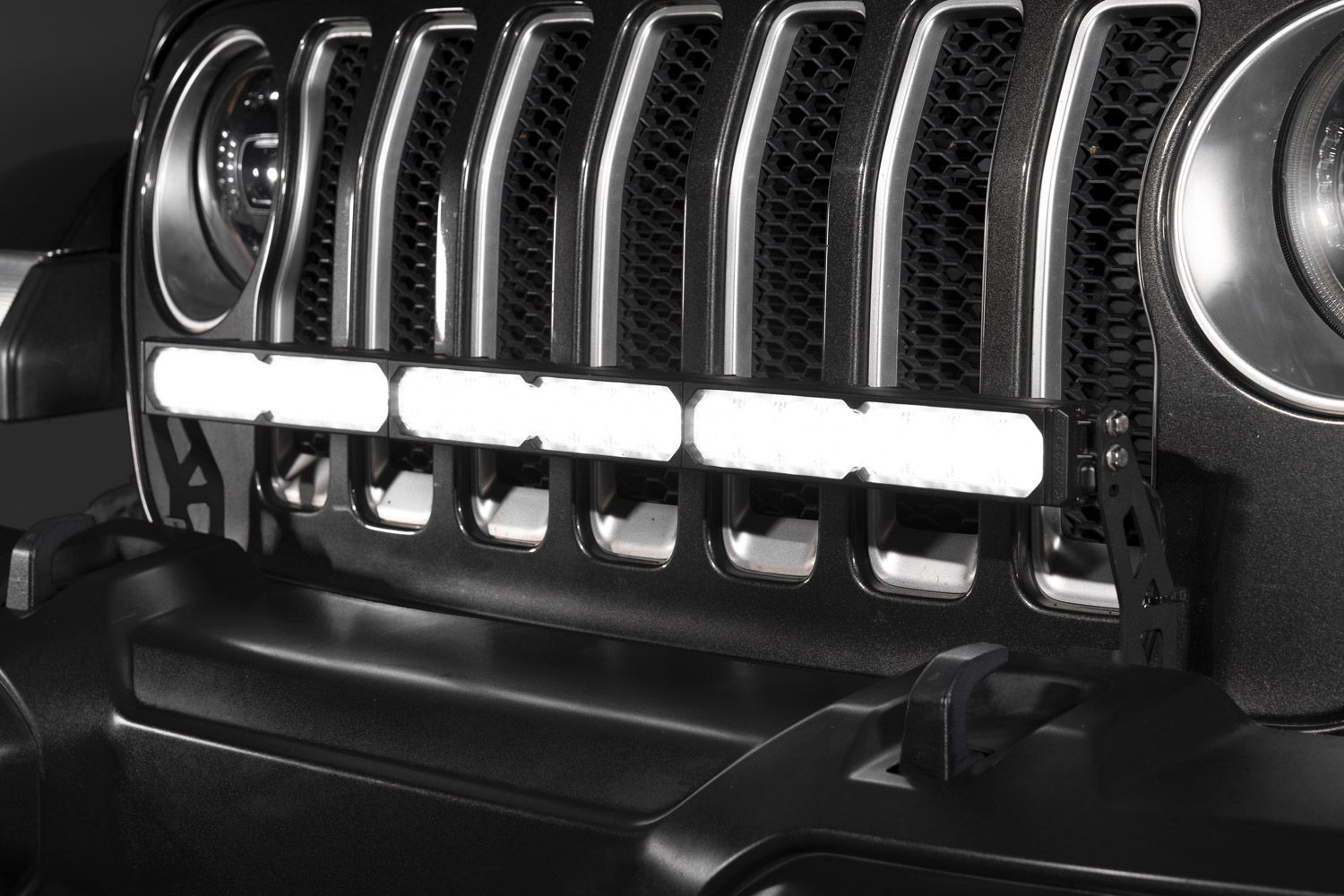
Table of Contents
- Installation Video
- Tools Required
- Mounting Instructions
- Wiring Instructions
- Questions About the Install?
- Shop Jeep Bumper Light Bar Kits at Ess K Customs
Installation Video
Tools Required
- Plastic trim removal tool
- 5/8" wrench
- 5/8" socket
- 10mm socket
- Wire strippers
Mounting Instructions
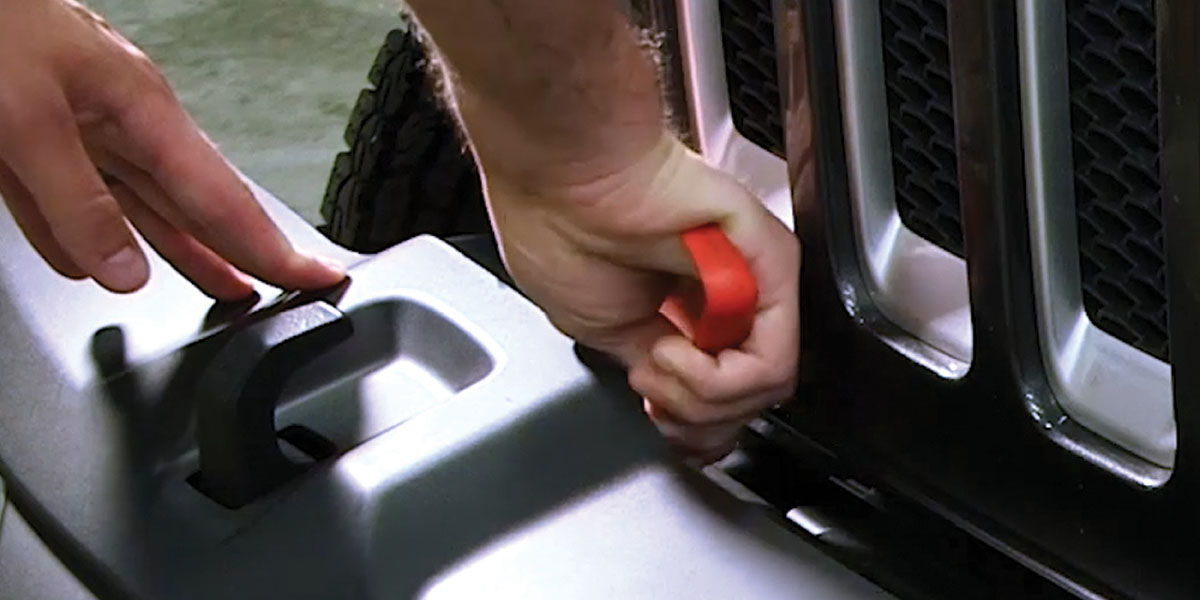
Step 1 — Using a plastic trim removal tool, remove the two plastic rivets on the bumper bar and the six forward-facing plastic rivets from the bumper cover. Remove the plastic bumper cover and set it aside — it won't be reused. Two of the plastic rivets will be reused in Step 3.
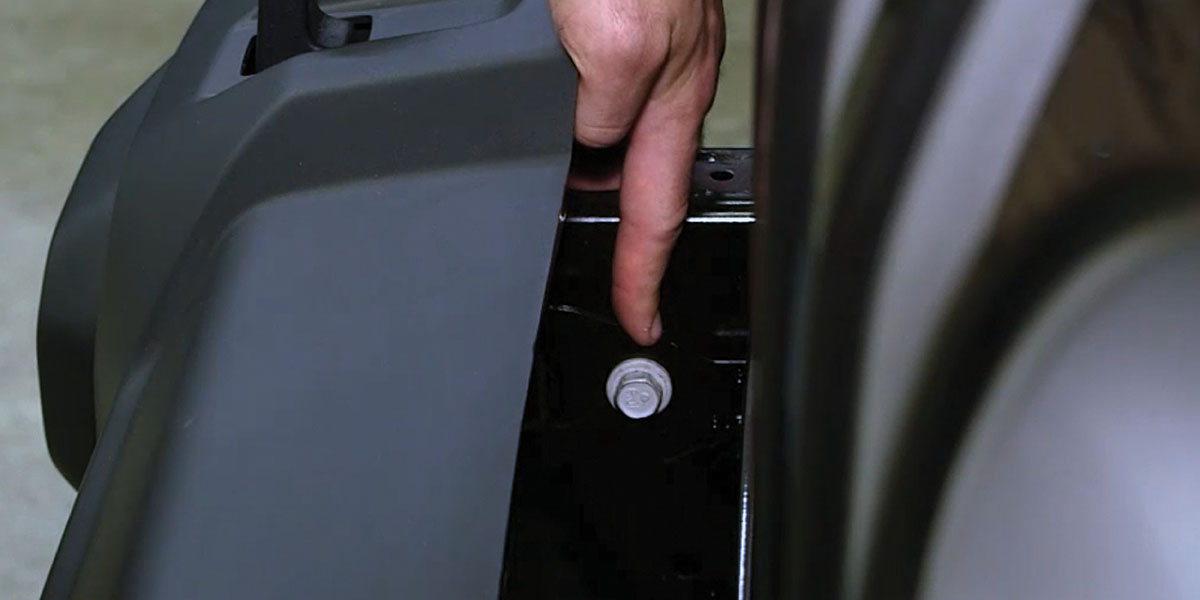
Step 2 — Remove the 5/8" bolt on the bumper support from each side of the vehicle. NOTE: These bolts can be tight from the factory — loosen them with an open-ended 5/8" wrench first, then use a 5/8" socket to remove them.
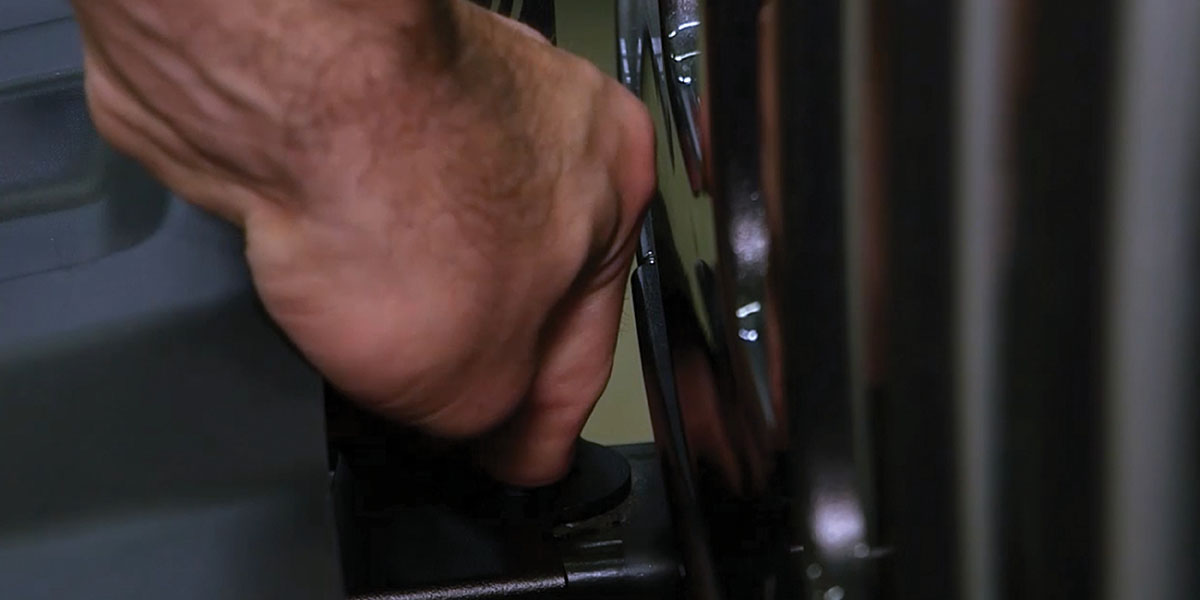
Step 3 — Install the new LED light bar brackets. Place each bracket on the bumper support and secure it using the 5/8" bolt removed in Step 2. Then place the included plastic washers on two of the plastic rivets from Step 1 and install them on top of the brackets to lock everything in place.
Step 4 (Extension Bracket) — If you're installing the optional extension bracket, line up the grooves on the extension bracket with the LED light bar brackets installed in Step 3 and secure using the included hardware and a 10mm socket. If you're not using the extension bracket, skip to Step 5. NOTE: If you have the new Stage Series Lightbars, the installation process is the same.
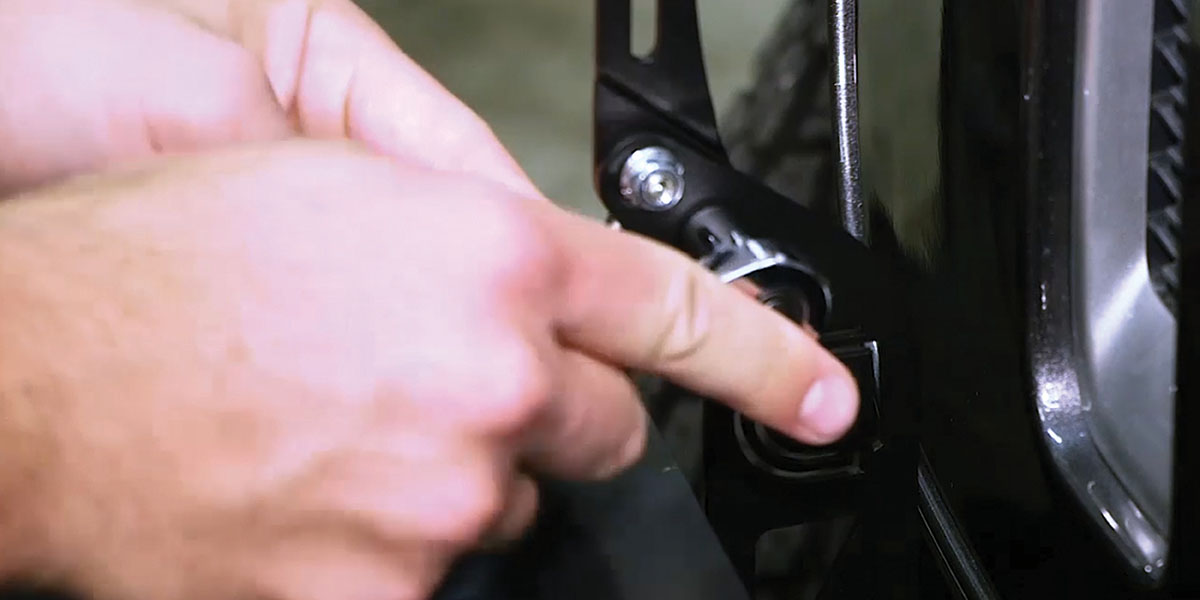
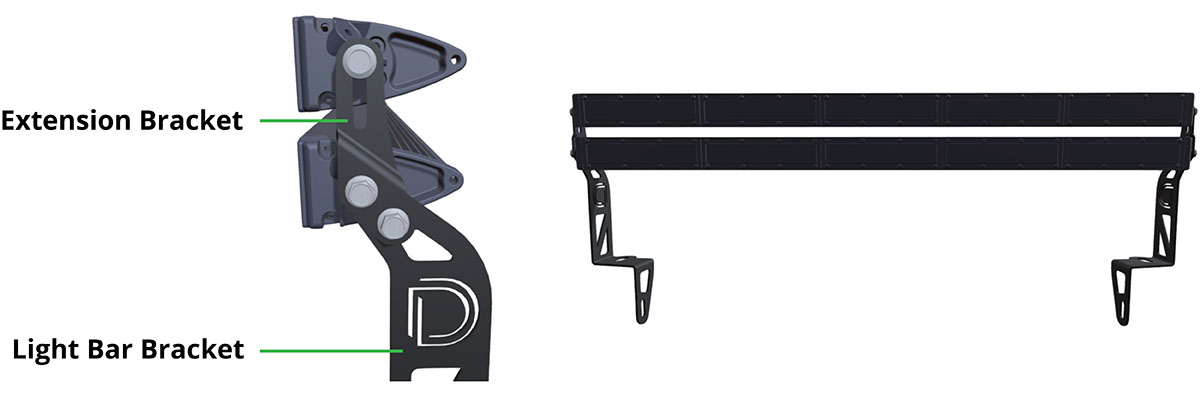
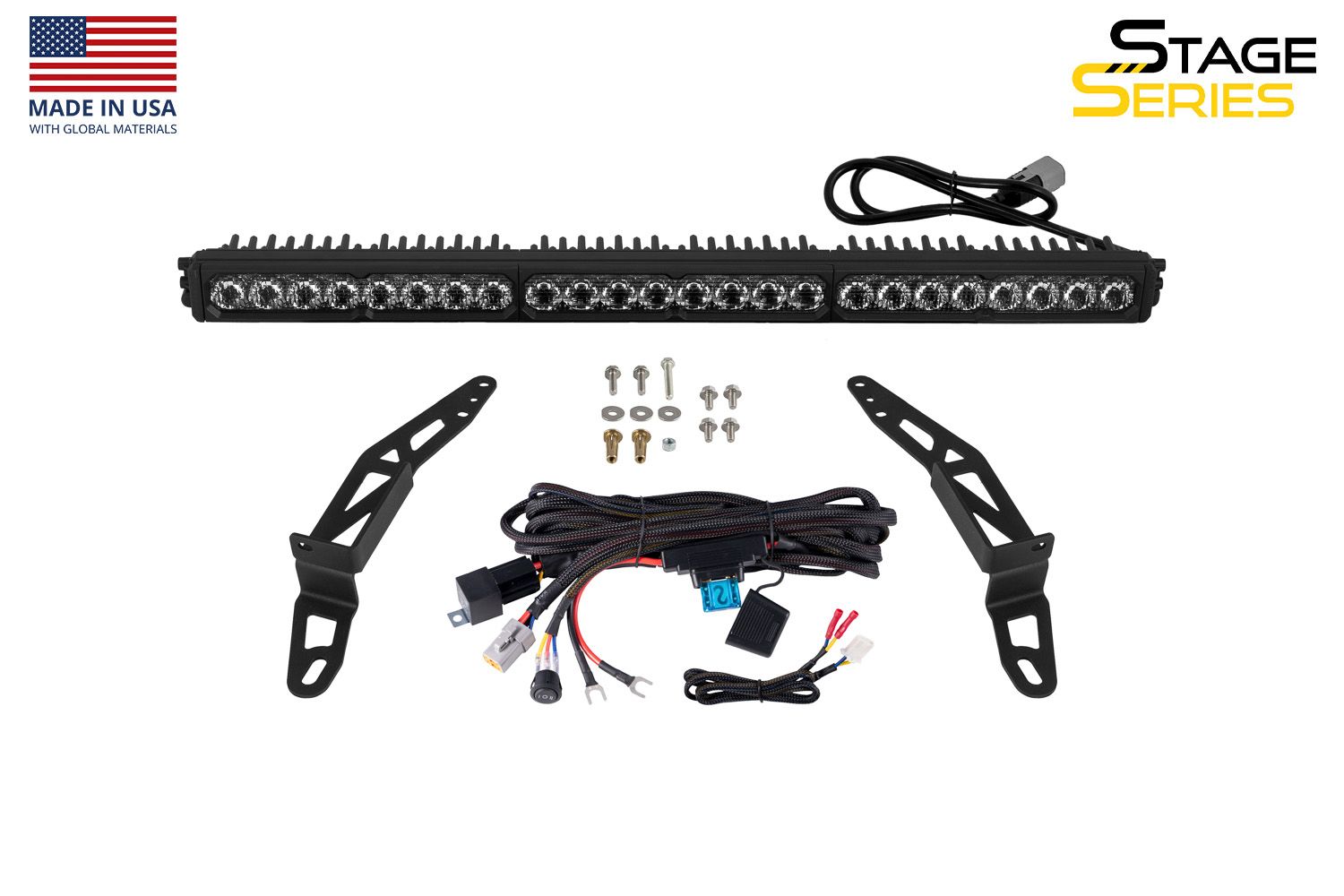
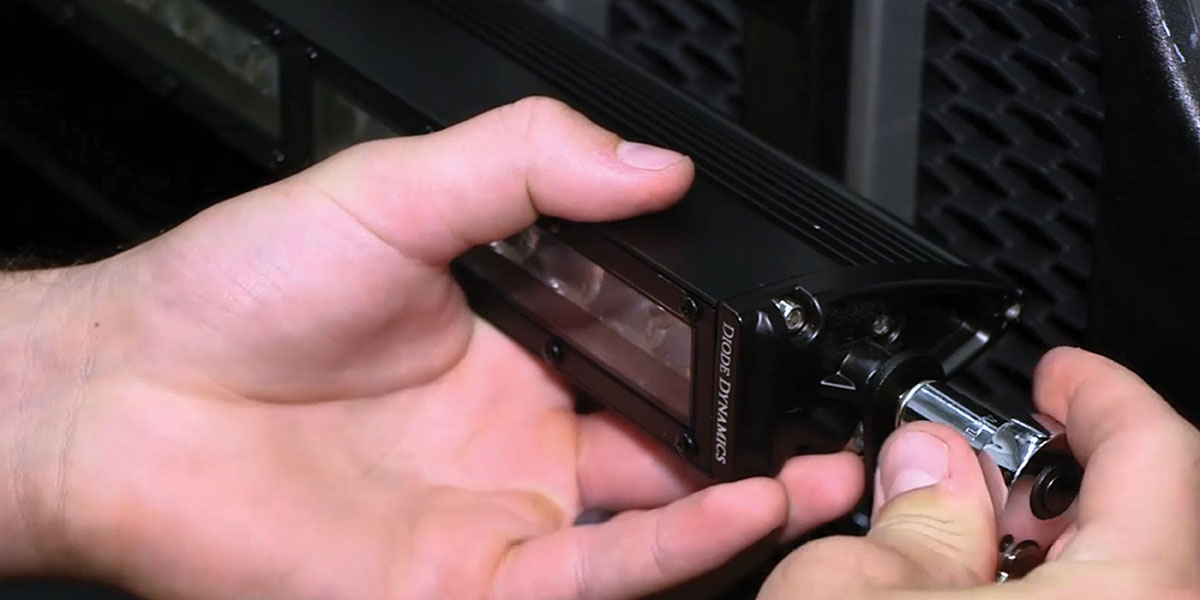
Step 5 — Attach the LED light bar(s) to the brackets using the included hardware and a 10mm socket.
Wiring Instructions
The following instructions are for Jeep JL Wranglers and JT Gladiators with an Auxiliary Switch Bank. If you don't have the Auxiliary Switch Bank, use the included toggle switch adapter wire to route a switch. All power sources must be fused.
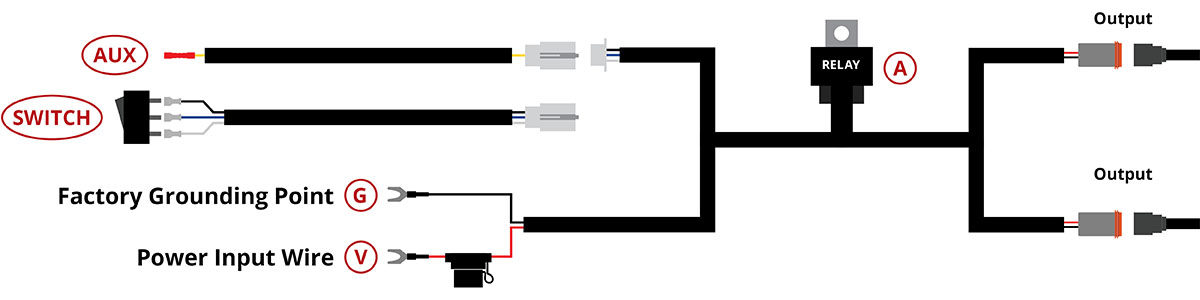
Step 6 — Determine a suitable location to mount the relay near the battery or main power terminal.
Step 7 — Connect the red power input wire to the positive battery/power terminal. Connect the black ground wire to the negative battery terminal or a factory grounding point.
Step 8 — At the white connector, unplug the switch wires from the harness and connect the extra pigtail. Using the butt connector at the end of the pigtail, crimp the yellow wire to an OEM Auxiliary Switch wire lead. NOTE: Power is drawn from the battery, so any OEM Auxiliary Switch wire can be used regardless of amperage rating.
Step 9 — Route the output wire(s) to the LED light bar(s), keeping them away from any moving parts or direct contact with heat sources. Plug the output connector(s) into the light bar(s).
Step 10 — Secure the wires and test thoroughly to complete the install.
Questions About the Install?
If you run into any issues during the installation, contact Ess K Customs — as an authorized Diode Dynamics dealer, we're here to help.
Shop Jeep Bumper Light Bar Kits at Ess K Customs
Ready to upgrade your Jeep with a Bumper LED Light Bar Kit? As an authorized Diode Dynamics dealer, Ess K Customs carries genuine products with full manufacturer warranty.
Shop Bumper LED Lightbar Kit for 2018-2026 Jeep JL Wrangler →
Shop Bumper LED Lightbar Kit for 2020-2026 Jeep JT Gladiator →
This install guide applies to Diode Dynamics SKUs: DD8693, DD6079, DD6077, DD6082, DD8717, DD8680, DD8719, DD8682, DD8718, DD8681, DD8720, DD8683