

The Pro Series RGBW Demon Eyes from Diode Dynamics add vivid multicolor accent lighting inside your projector headlights. Built with full aluminum construction and high-power constant-current drivers, they deliver reliable performance and full RGBW control for a truly custom look. Because installation requires opening the headlights, professional installation is strongly recommended.
Watch the full install video below, or scroll down for the step-by-step written guide.
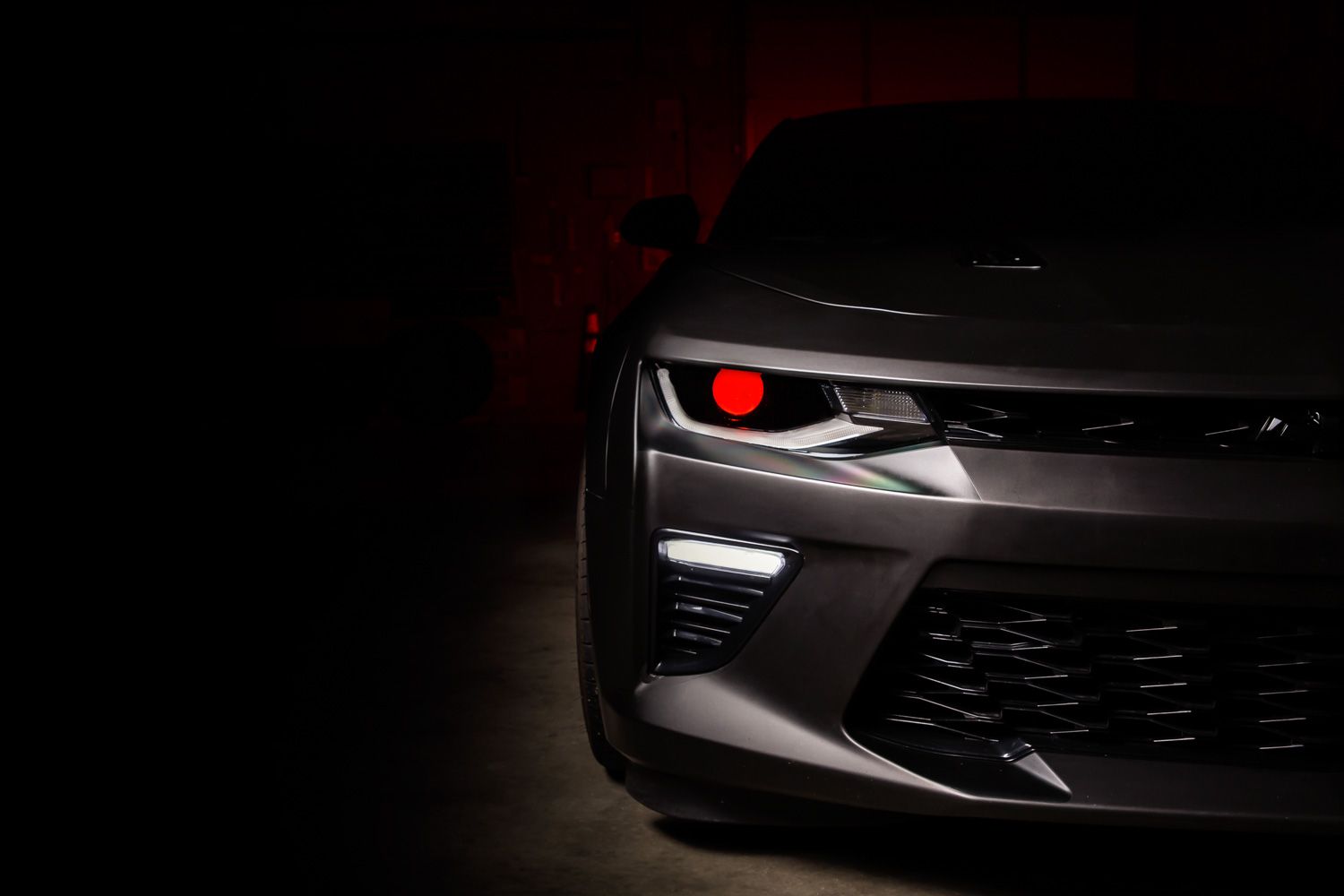
Table of Contents
- Installation Video
- Tools Required
- Installation Instructions
- Questions About the Install?
- Shop Pro Series Demon Eyes at Ess K Customs
Installation Video
Tools Required
- Pliers
- Small Phillips screwdriver
- Basic hand tools for headlight removal
- Heat gun or oven (for opening headlights)
Time Required: Approximately 2–4 hours.
Important: Headlights must be opened before proceeding. This involves heating and carefully separating the lens from the housing — the process is permanent, so professional installation is strongly recommended.
Installation Instructions
Step 1 — Remove the headlights from the vehicle. Open the headlight housings by heating and carefully separating the lens from the housing.
Step 2 — If installing in a Mini H1 projector, attach the Demon Eye to the top of the bracket using the included locking screw and locknut. Make sure the locknut sits on the bottom side of the Demon Eye. Tighten using pliers and a small Phillips screwdriver.
Step 3 — Mount the Demon Eye inside the projector housing, positioning the Demon Eye board inside the shroud. The bracket can be mounted on either the front or back side of the projector housing. Secure both sides using the included locking screws and locknuts.
Step 4 — Connect the Demon Eye to the driver, then connect the driver to your RGBW controller. Do not connect the Demon Eye directly to the controller without the driver — the driver is required to regulate power.
Step 5 — Connect the black wire to ground at all times for proper function. Power the RGBW controller using a 12V source and ground. Optionally, connect the blue wire to a headlight signal so the Demon Eyes shut off automatically when the headlights turn on — this reduces heat exposure and extends Demon Eye lifespan.
Step 6 — Mount the drivers and controller outside of the headlight housing for serviceability, in a location away from the engine block to prevent excessive heat buildup. Secure and tidy all wiring.
Step 7 — Test the system thoroughly to confirm proper RGBW operation. Once verified, reseal the headlight housings and reinstall them on the vehicle. The install is complete.
Questions About the Install?
If you run into any issues during the installation, contact Ess K Customs — as an authorized Diode Dynamics dealer, we're here to help.
Shop Pro Series Demon Eyes at Ess K Customs
Ready to add RGBW Demon Eyes to your projector headlights? As an authorized Diode Dynamics dealer, Ess K Customs carries genuine products with full manufacturer warranty.
Shop Pro-Series Multicolor Demon Eyes at Ess K Customs →
This install guide applies to Diode Dynamics SKUs: DD2230, DD2298, DD2299