

The HitchMount LED Pod Reverse Kit installs an SSC1 or C1R LED pod in your 2-inch or 2.5-inch trailer hitch receiver, adding a high-power reverse light, running light, and optional fourth brake light. Here's the full universal installation walkthrough.
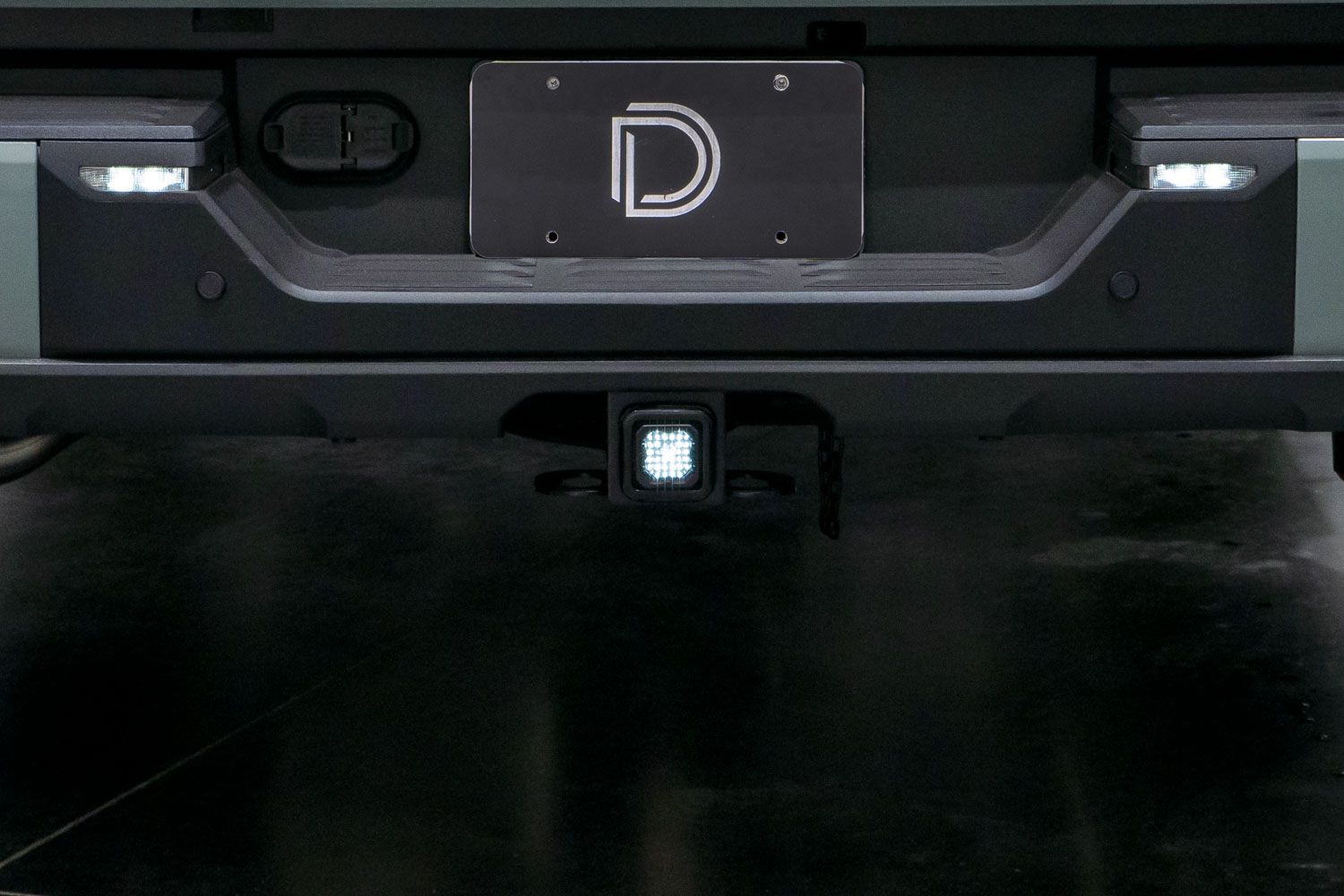
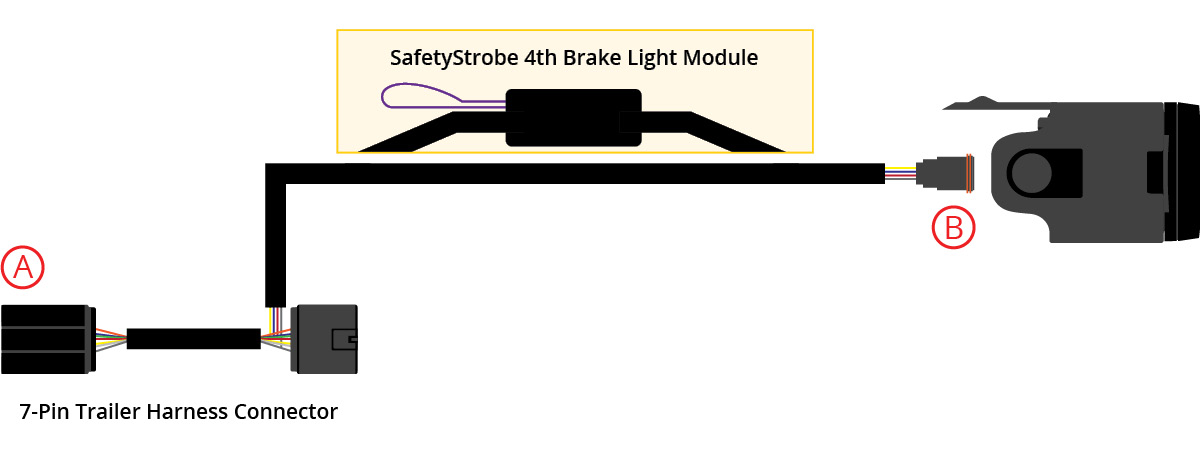
Table of Contents
- Installation Video
- Installation Instructions
- Optional: Brake Signal Compatibility
- Optional: Using a Hitch Pin
- Questions About the Install?
- Shop HitchMount Kits at Ess K Customs
Installation Video
Note: All HitchMount kits now include a custom-molded adapter sleeve for 2.5-inch receivers. Set it aside if your vehicle has a standard 2-inch hitch receiver.
C1R SafetyStrobe: The C1R model includes a SafetyStrobe feature that rapidly blinks the high-power red LED the first time brakes are applied. To disable, cut the purple wire on the included module. To keep the feature, leave the purple wire connected.
Installation Instructions
Step 1 — Connect Wire Harness
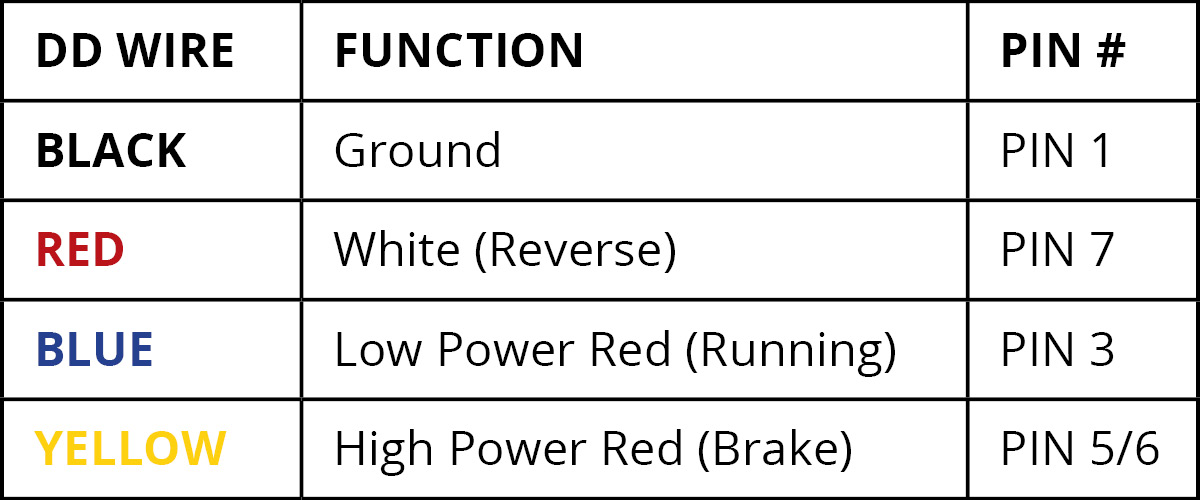
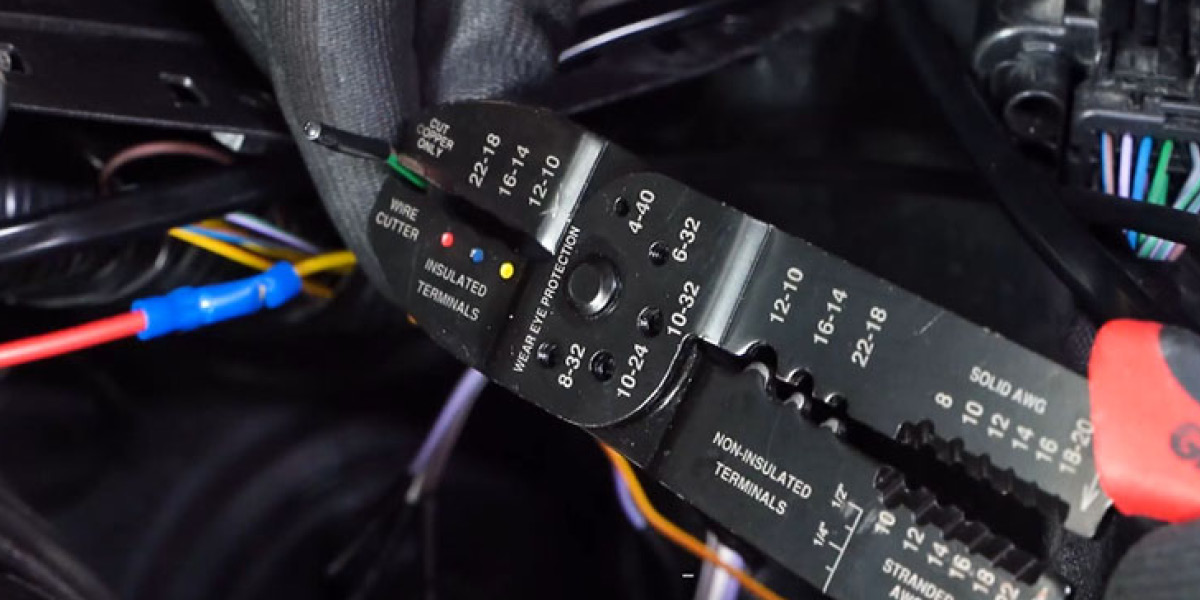
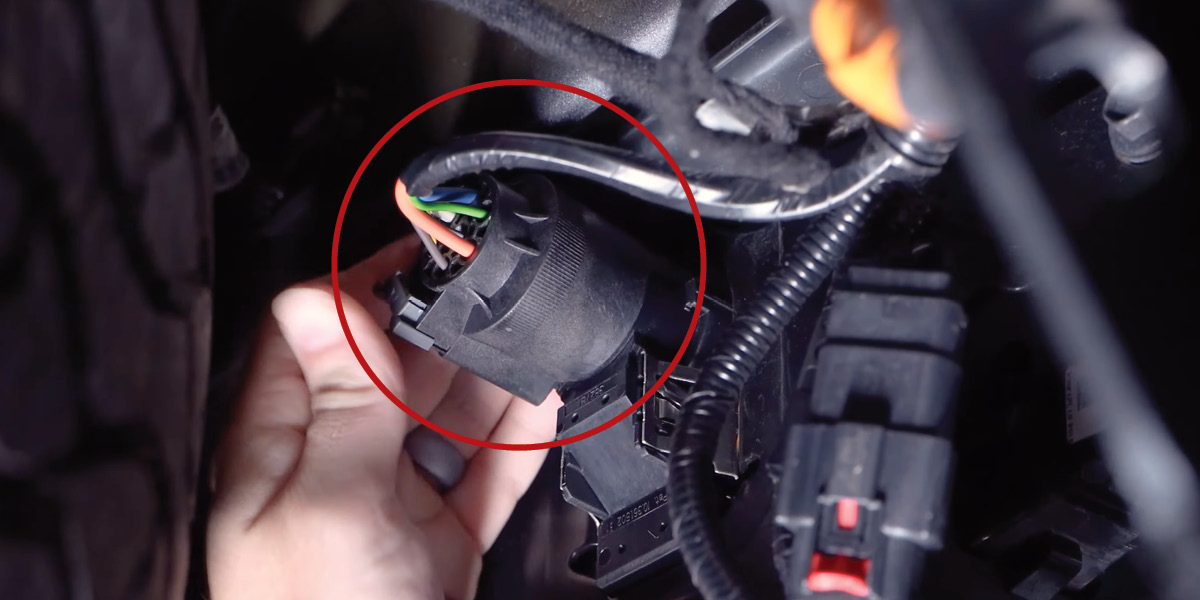
Reach underneath the bumper and disconnect the plug on the back of the 7-pin trailer connector by depressing the locking tabs and sliding the connector off. Connect the provided wire harness inline — one side to the original plug, the other to the back of the 7-pin connector. Note: If your vehicle doesn't have a 7-pin connector or the provided plug doesn't fit, remove one of the 7-pin connectors and tap the bare leads to your vehicle's signal wires (a multimeter may be needed to confirm signals).
Step 2 — Route DT Connector and Swap Sleeve (if needed)
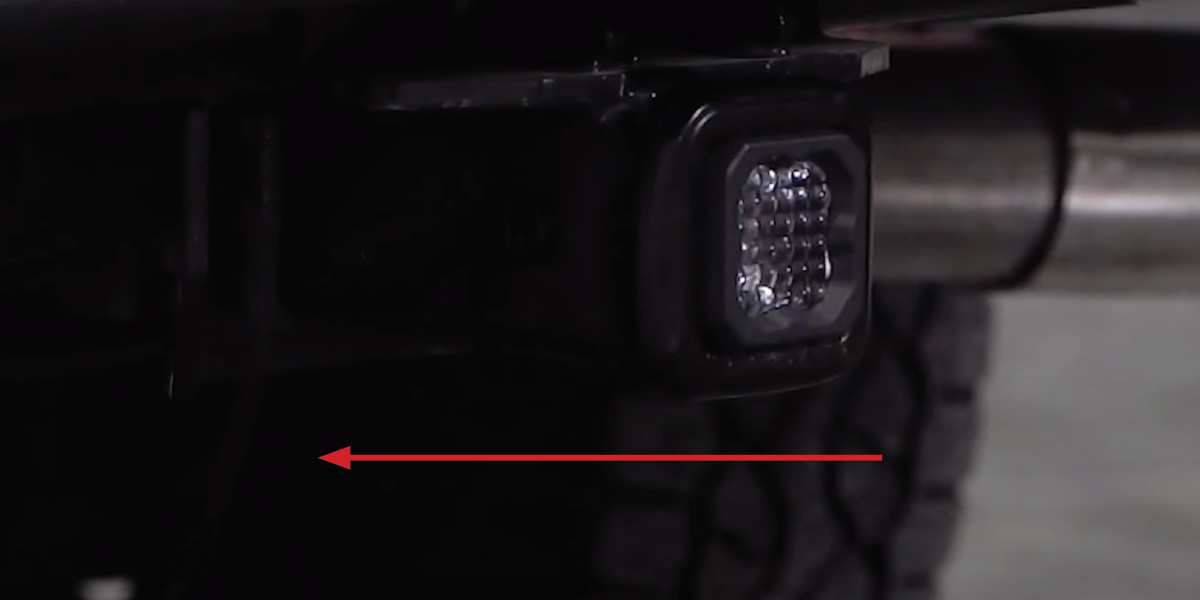
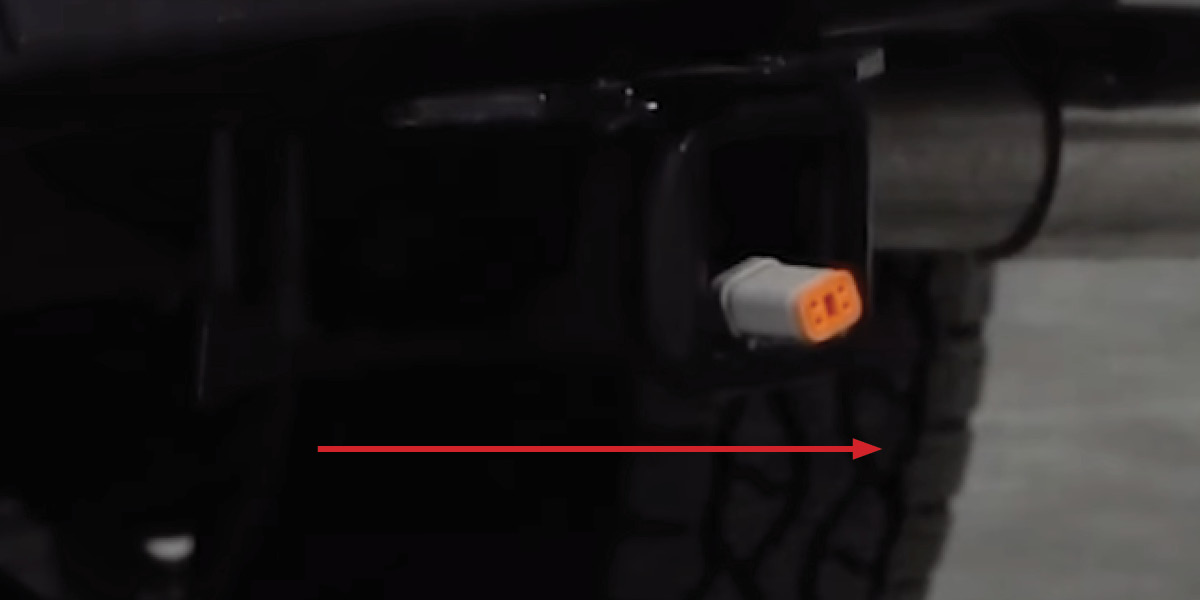
Route the DT connector through the back of the trailer hitch receiver to the front. If your receiver doesn't have a rear opening, you may need to drill one (rare). For 2.5-inch receivers: The HitchMount comes pre-installed with a 2-inch sleeve. To swap, grip the top tab and pod bezel and firmly pull apart. Place the 2.5-inch sleeve face-down on a flat surface and press the pod into place until it snaps — make sure the DT connector exits downward, opposite the top tab.
Step 3 — Install HitchMount and Test
Plug the DT connector into the LED pod. Push the HitchMount into the hitch receiver using the built-in snap-fit clip until it locks into place (the pod may protrude slightly depending on receiver depth). Test reverse, running, and brake light functions. Some vehicles may change trailer-related settings when a 7-pin is connected — this is normal. Power cycle your vehicle if the light doesn't turn on initially.
Removing the HitchMount: Press both side tabs and pull forward. You can unplug the harness or leave it installed with the included DT dust cap to protect the connector.
Optional: Brake Signal Compatibility
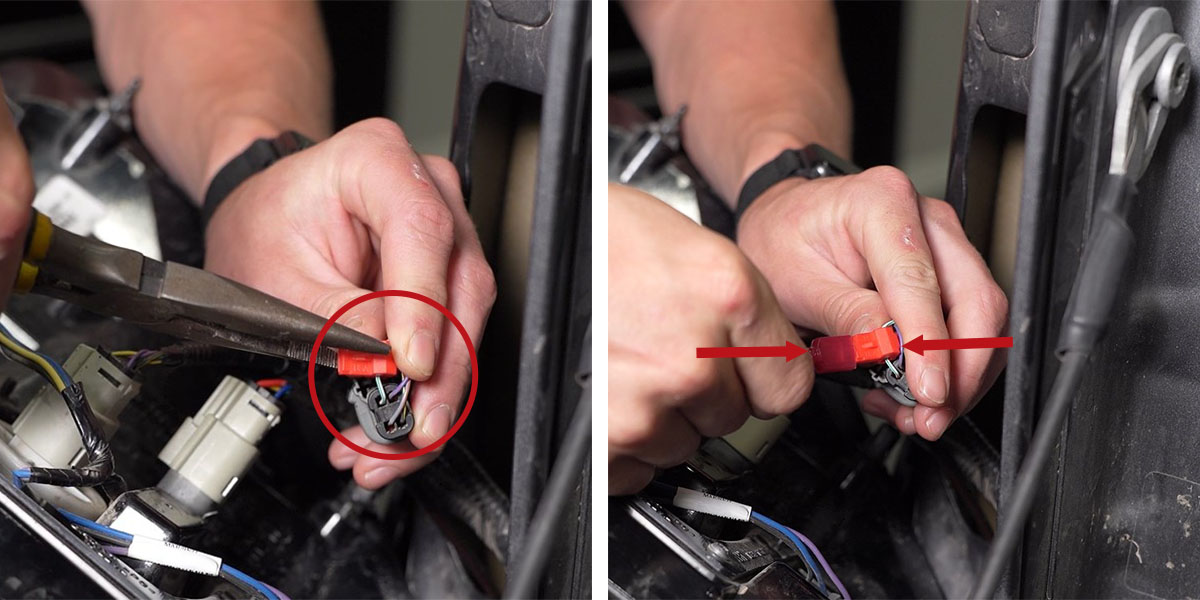
If your vehicle disables the brake light circuit when a trailer is detected, or you experience flickering or trailer detection warnings, use the included red wire tap harness. Disconnect the red AMP-style plug from the 7-pin harness and connect the tap harness into the exposed port. Cap the disconnected lead and secure it. Use the included T-tap to tap into your vehicle's factory brake light wire near the tail lamp and connect the tap harness wire. This provides a clean brake signal and resolves most compatibility issues.
Optional: Using a Hitch Pin
The HitchMount stays secure using its integrated clip, but you can add a locking hitch pin (not included) for extra security. Use a cutting tool to remove the circular sections from each side tab. Connect the pod to the harness, push it into the receiver, and slide the hitch pin through. It should be snug to prevent rattling. This modification does not affect warranty coverage.
Questions About the Install?
If you run into any issues during the installation, contact Ess K Customs — as an authorized Diode Dynamics dealer, we're here to help.
Shop HitchMount Kits at Ess K Customs
Ready to add a high-power reverse light to your trailer hitch? As an authorized Diode Dynamics dealer, Ess K Customs carries genuine products with full manufacturer warranty.
Browse HitchMount LED Pod Kits at Ess K Customs →
This install guide applies to Diode Dynamics SKUs: DD7420, DD7422, DD4145, DD4146