

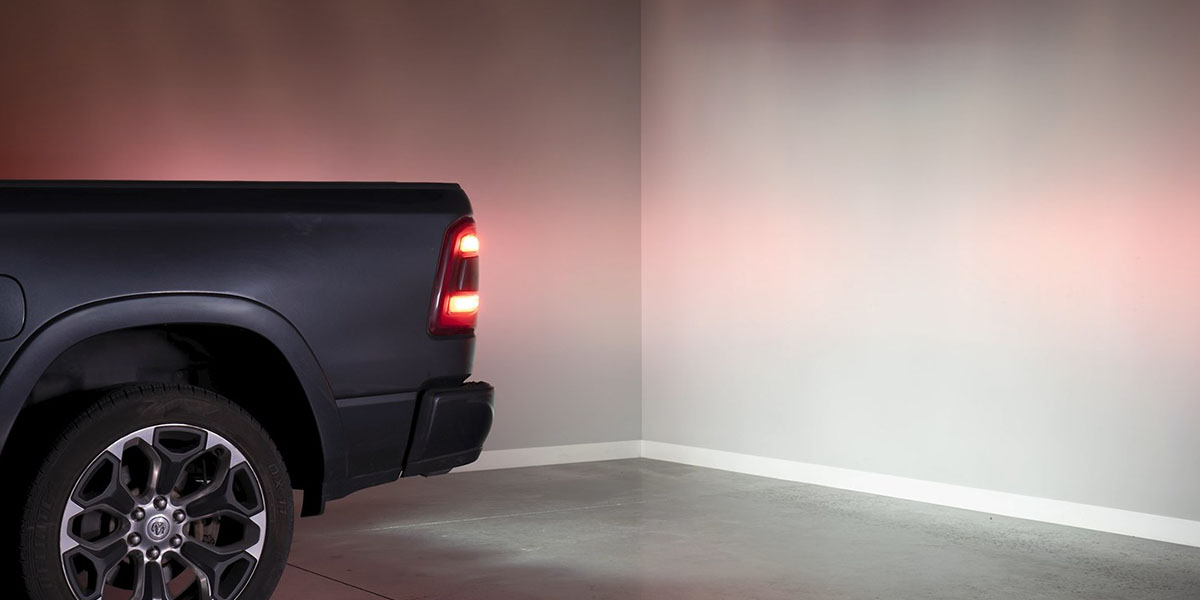
The Stage Series LED Reverse Light Kit for the 2019-2024 Ram 1500 adds LED pod lights as high-power backup lights with eye-catching red accent lighting. Compatible with SSC1, SSC2, or C1R pods, this kit installs behind the rear bumper using factory bolt locations. Here's the full installation walkthrough.
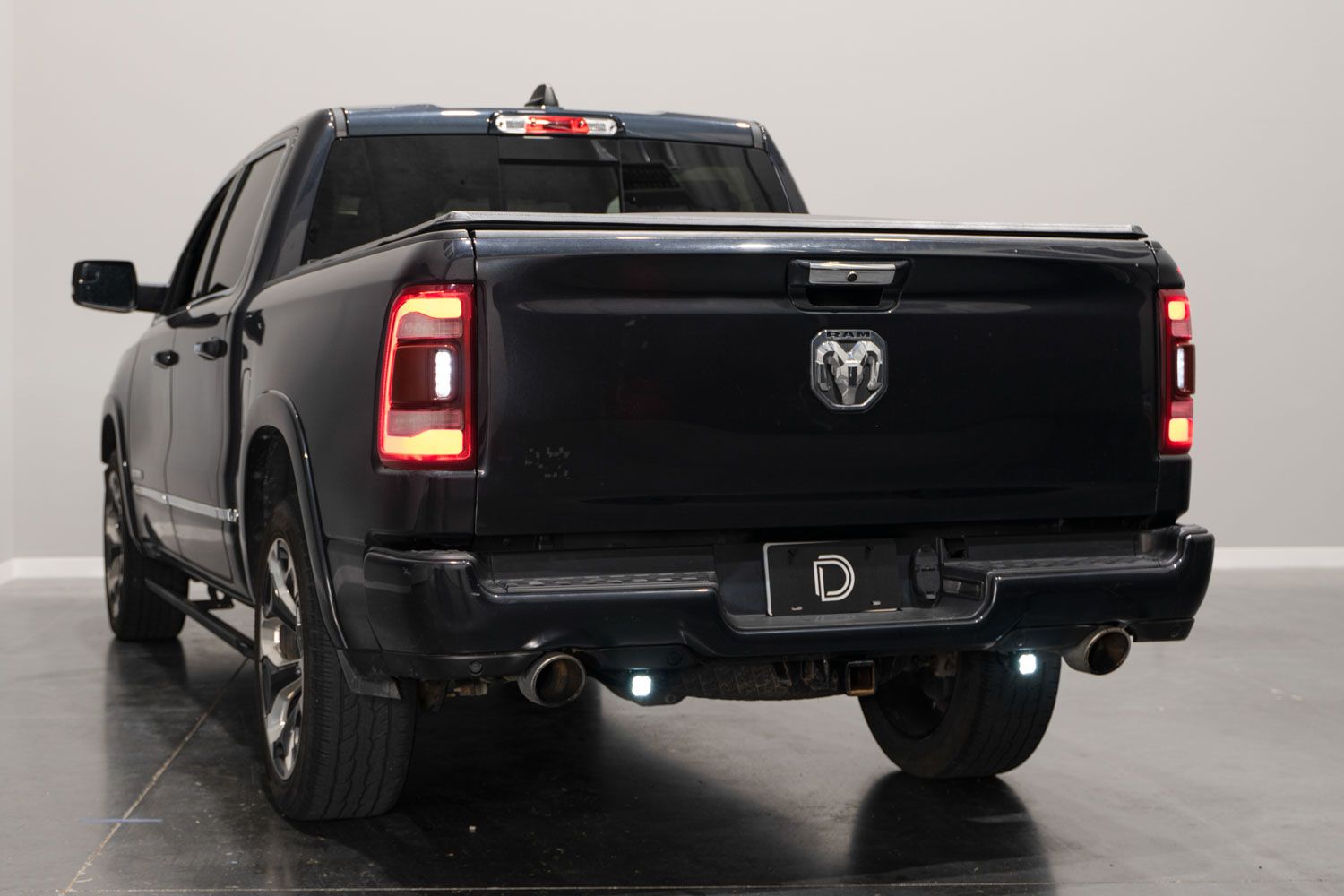
Table of Contents
- Installation Video
- Tools Required
- Mounting Instructions
- Wiring Instructions
- Questions About the Install?
- Shop Ram 1500 Lighting at Ess K Customs
Installation Video
Tools Required
- 5/32" or 4mm Allen key
- 3/8" and 13mm wrench or socket/ratchet
- 10mm socket (Rebel and TRX trim levels)
- Wire cutters
Mounting Instructions
Step 1 — Remove Factory Bolts and Install Brackets
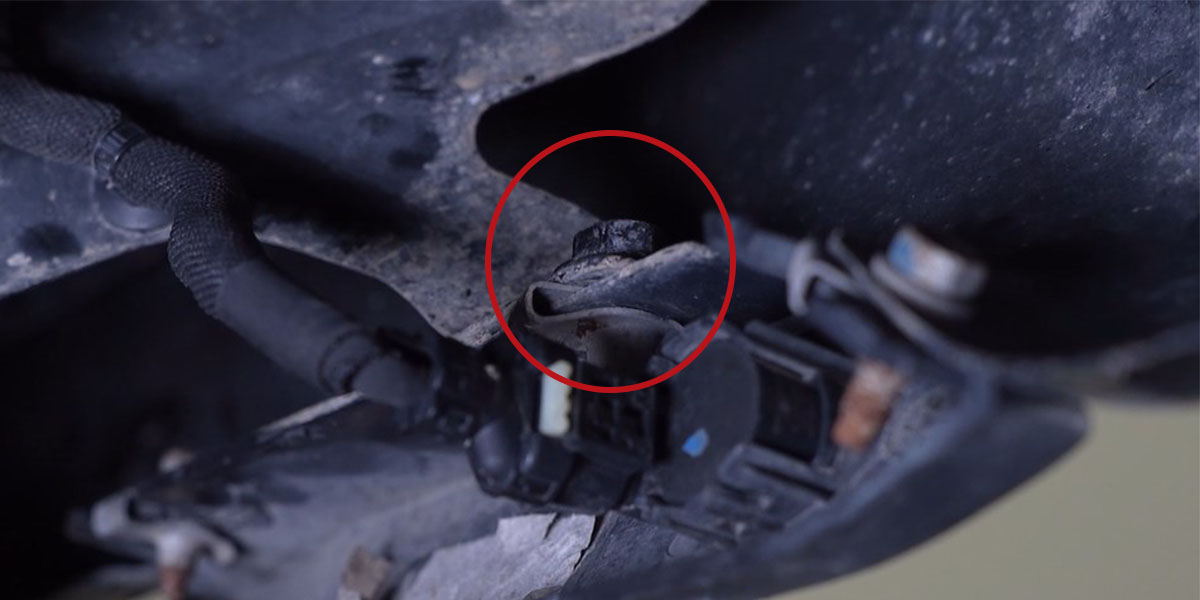
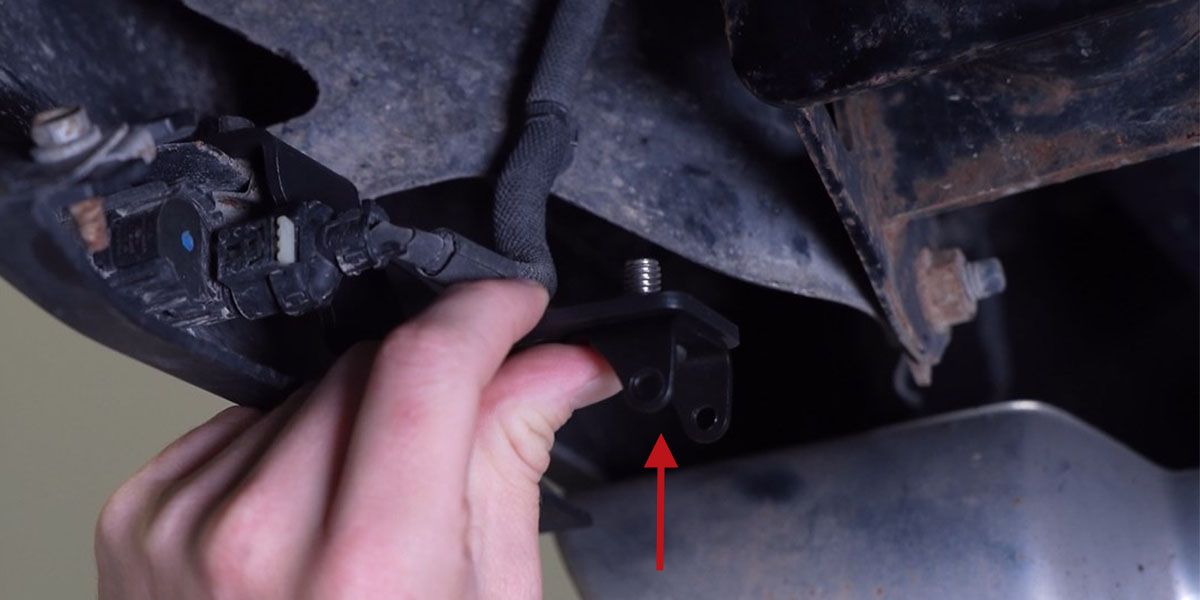
Standard trim levels (excluding Rebel and TRX): Remove the two factory 13mm bolts behind the rear bumper near the parking sensor on each side. Install the bracket labeled "LH" on the driver side and the bracket labeled "RH" on the passenger side using the factory bolts.
Rebel and TRX trim levels: Remove the two factory 10mm bolts behind the rear bumper on the outer side of the exhaust pipe on each side. On these models, the brackets install on opposite sides from their labels — install the bracket labeled "LH" on the passenger side and "RH" on the driver side.
Step 2 — Mount LED Pods
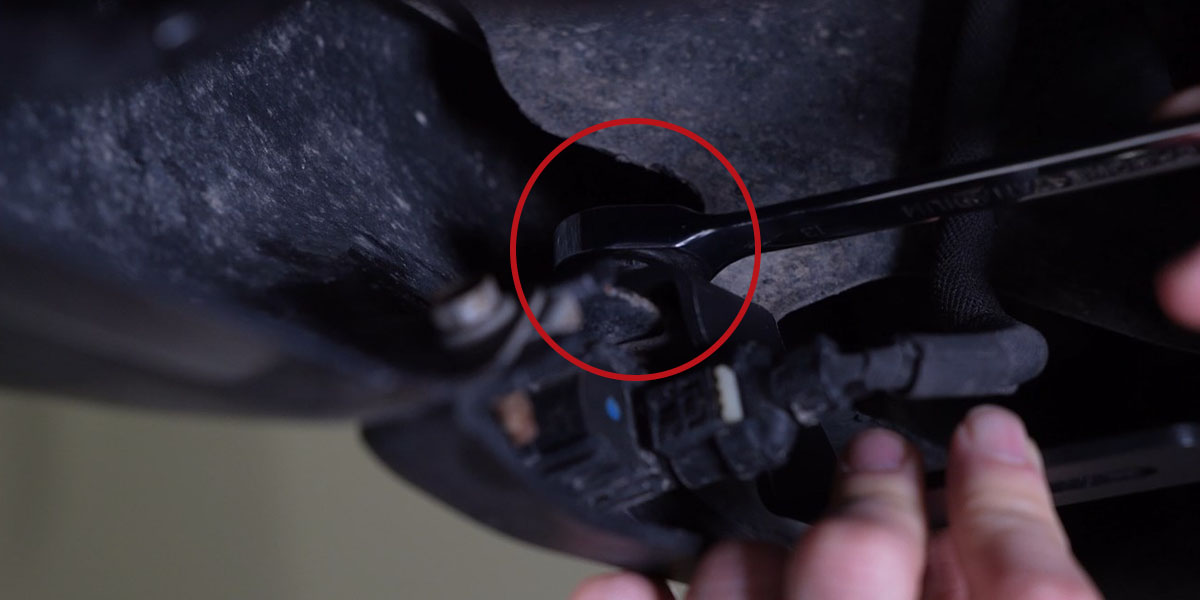
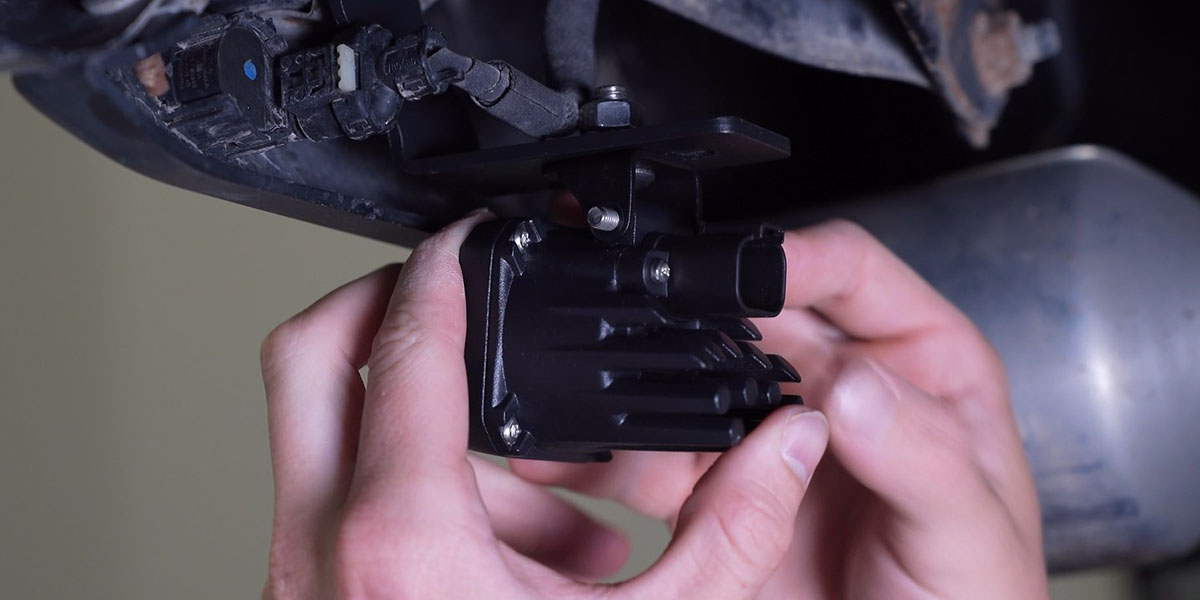
On each side, install the universal mounting bracket onto the reverse light bracket using the provided hardware — make sure the curved portion faces toward the rear of the vehicle. Install your SSC1, SSC2, or C1R LED pod onto the universal mounting bracket. Using a 5/32" Allen key and 3/8" wrench, tighten just enough that the pod retains its position but can pivot with force for aiming.
Wiring Instructions
Step 3 — Connect Trailer Hitch Harness
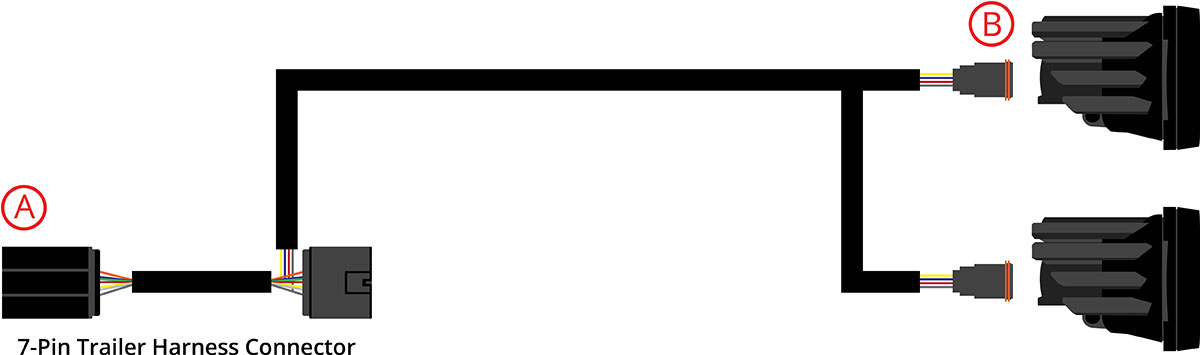
From underneath the vehicle, disconnect the factory trailer hitch harness by depressing the retention tabs and pulling backward. Connect the provided 7-pin trailer hitch harness inline between the factory harness connector and the connector on the back of the bumper. C1R option note: The harness includes a small black box with a purple wire that controls the SafetyStrobe feature. To disable SafetyStrobe, cut the purple wire (it can be spliced back together later to re-enable).

Step 4 — Connect, Aim, and Test
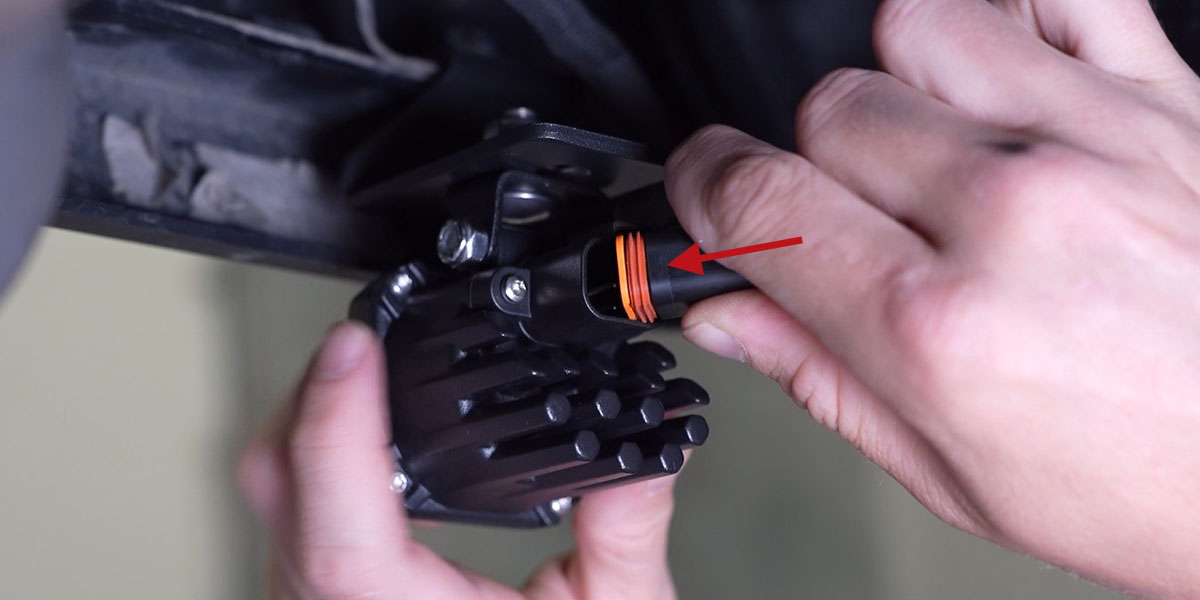
Plug the DT connectors into the back of the LED pods. Aim the pods as desired — aiming can be done with pods installed on the vehicle (no removal needed). Tighten hardware using a 5/32" Allen key and 3/8" wrench. Test all functions and secure the wiring harness with the included zip ties.
Questions About the Install?
If you run into any issues during the installation, contact Ess K Customs — as an authorized Diode Dynamics dealer, we're here to help.
Shop Ram 1500 Lighting at Ess K Customs
Looking for lighting upgrades for your 2019-2024 Ram 1500? As an authorized Diode Dynamics dealer, Ess K Customs carries genuine products with full manufacturer warranty.
Browse Ram 1500 LED Reverse Light Kits at Ess K Customs →
This install guide applies to Diode Dynamics SKUs: DD7588-DD7593