

Elite LED Fog Lights for the 2021-2023 Ford F-150 include programmable daytime running lights, turn signals, and a welcome sequence. When paired with Elite Max LED Headlights, the fog lights also feature an integrated show mode. Here's how to program each feature.
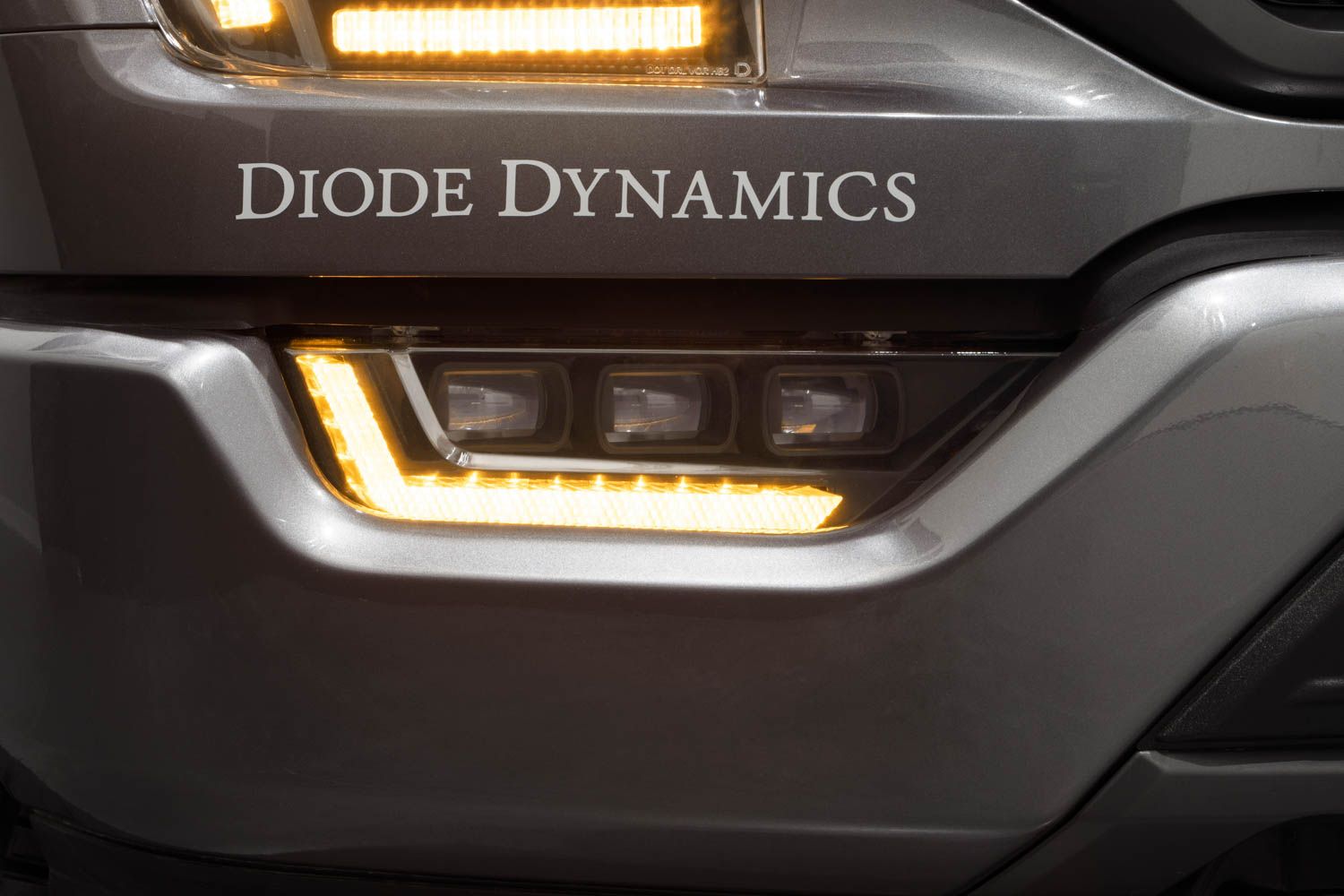
Table of Contents
- Programming Tips
- DRL Color Programming
- Turn Signal Style Programming
- Welcome Sequence Programming
- Factory Reset
- Questions About Programming?
- Shop F-150 Lighting at Ess K Customs
Note: These instructions apply only when the fog lamp is operated independently. If you have both the Elite headlight and fog light installed, all headlight programming is automatically applied to the fog light.
Programming Tips
- Parking in front of a window or reflective wall makes it easier to see what's happening.
- Always start with the vehicle off and the fog light switch in the OFF position.
- To enter any programming mode, flash your lights off and back on a specific number of times.
- If you lose count, switch the lights off and wait 10 seconds, then start again.
DRL Color Programming
Step 1 — Turn the hazard lights on and back off (one flash only).
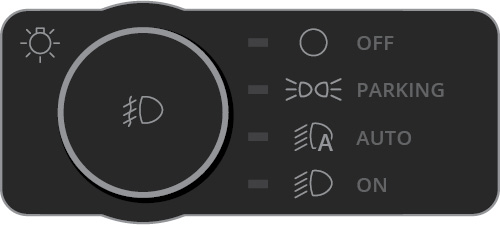
Step 2 — Immediately toggle your fog lights on and back off three times.

Step 3 — Turn the hazard lights on and back off again (one flash only).
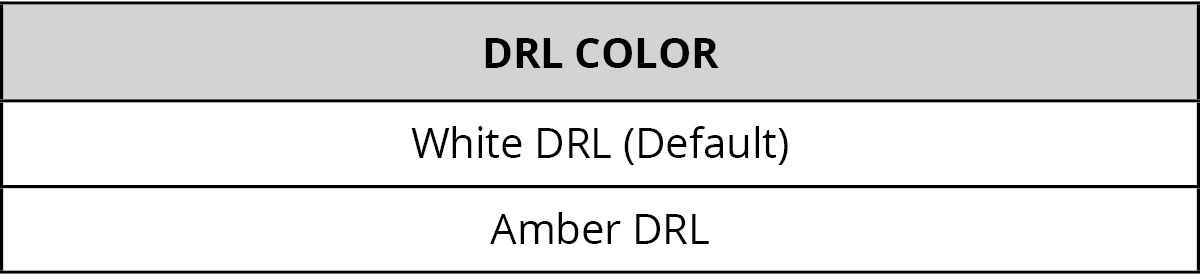
Step 4 — The fog light DRL will flash in the selected color three times and save the selection. Repeat the process to change the color again.
Turn Signal Style Programming
Step 1 — Turn the hazard lights on and back off (one flash only).

Step 2 — Immediately toggle your fog lights on and back off four times.
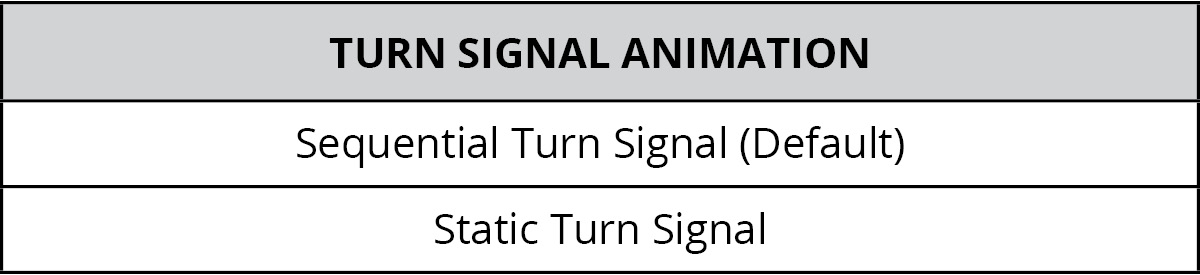
Step 3 — Turn the hazard lights on and back off again (one flash only).
Step 4 — The fog light DRL will flash four times and save the selection. Repeat to change the mode again.
Welcome Sequence Programming
Step 1 — Turn the hazard lights on and back off (one flash only).

Step 2 — Immediately toggle your fog lights on and back off five times.
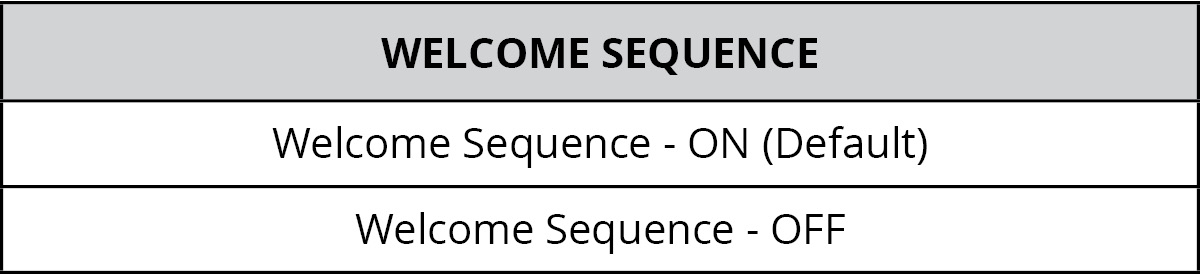
Step 3 — Turn the hazard lights on and back off again (one flash only).
Step 4 — The fog light DRL will flash five times and save the selection. Repeat to change the sequence.
Factory Reset
Step 1 — Turn the hazard lights on and back off (one flash only).
Step 2 — Immediately toggle your fog lights on and back off fifteen (15) times.
Step 3 — Turn the hazard lights on and back off again (one flash only).
Step 4 — The DRL will flash white then amber, indicating a successful reset. You can now proceed with additional programming.
Questions About Programming?
If you run into any issues programming your Elite LED Fog Lights, contact Ess K Customs — as an authorized Diode Dynamics dealer, we're here to help.
Shop F-150 Lighting at Ess K Customs
Looking for Elite LED Fog Lights for your 2021-2023 Ford F-150? As an authorized Diode Dynamics dealer, Ess K Customs carries genuine products with full manufacturer warranty.
Browse F-150 Elite LED Fog Lights at Ess K Customs →
This programming guide applies to Diode Dynamics SKUs: DD5169, DD5170