

The LED Sidemarkers for the 2020-2025 GMC Sierra HD 2500/3500 replace the factory sidemarkers with a clean, upgraded look. Available in standard and sequential turn signal options. The install covers all four corners — front and rear on both sides. Here's the full walkthrough.
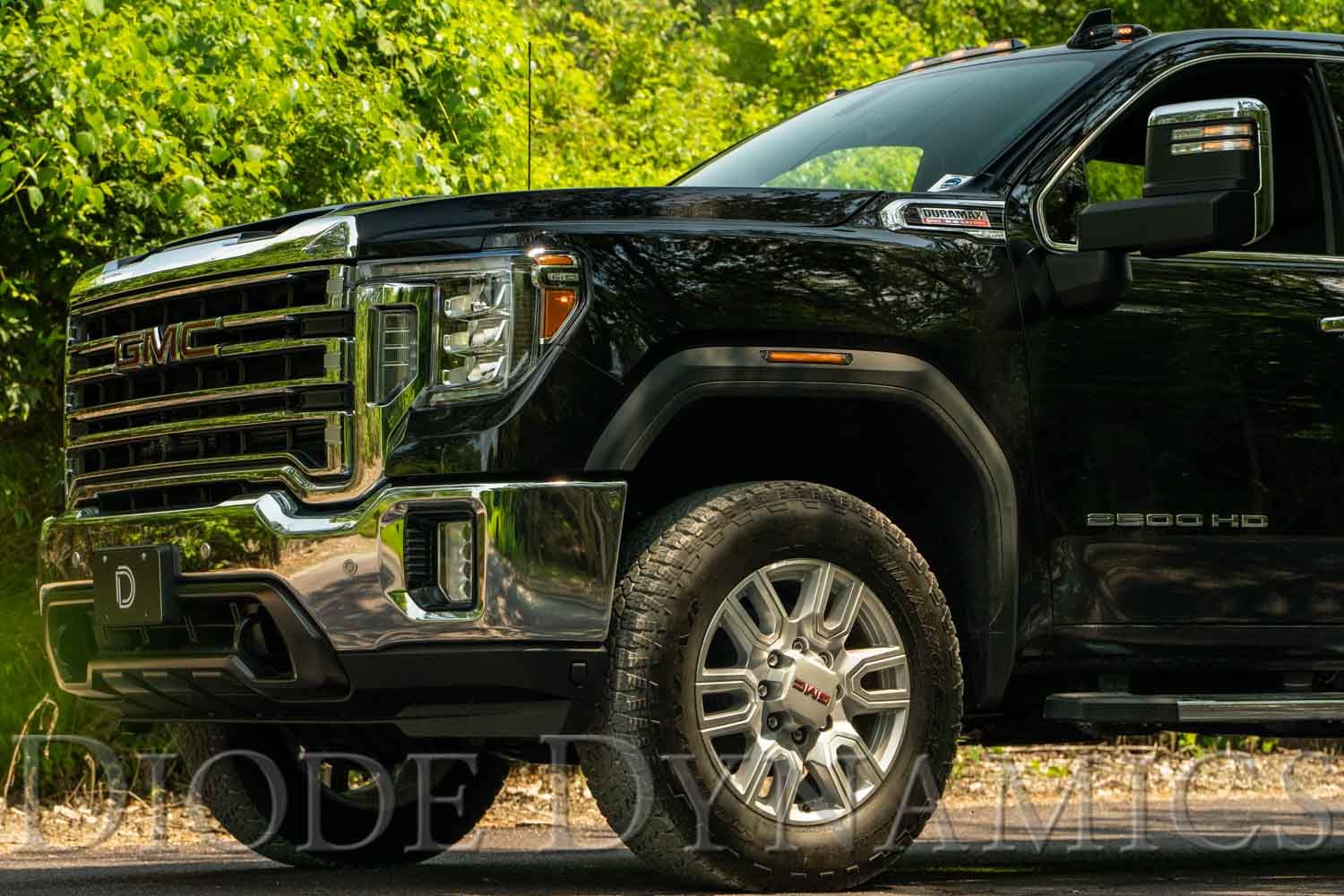
Table of Contents
- Installation Video
- Tools Required
- Front Mounting Instructions
- Rear Mounting Instructions
- Questions About the Install?
- Shop Sierra HD Lighting at Ess K Customs
Installation Video
Tools Required
- T15 Torx driver
- T20 Torx driver
- Trim removal tool
- Zip ties (sequential option only)
- Pick tool
Front Mounting Instructions
Step 1 — Remove the Mud Flap and Fender Liner
Using a T15 Torx driver, remove the five screws holding the mud flap in place (no need to fully remove it — you may need to turn the wheel for access). Remove the ten T15 Torx screws holding the fender liner, then use a trim removal tool to remove the one plastic push-rivet. Remove the fender liner from the vehicle.
Step 2 — Remove the Factory Sidemarker
Using a T20 Torx driver, remove the two screws holding the factory sidemarker. Pull the sidemarker out through the front of the fender flare. Pull the red locking tab back, depress the black tab, and disconnect the connector.
Step 3 — Install the New Sidemarker (Standard)
For standard sidemarkers, simply reverse the removal steps with your new sidemarker. Note: all four sidemarkers are the same.
Step 3 — Install the New Sidemarker (Sequential)
For sequential sidemarkers, choose your preferred sequence direction. Use a pick tool to slide open the purple lock tab on the 4-pin connector housing. Insert the green wire into Pin 1 for right-to-left sequencing (passenger's side) or Pin 4 for left-to-right sequencing (driver's side). Insert the included rubber terminal plug into the unused pin location for weather sealing. Pin numbers are marked in fine print on the harness inside the connector.
Step 4 — Connect the Adapter Harness (Sequential Only)
From the wheel well, unplug the lower black headlight connector by sliding the red tab back and depressing the black tab. Plug the headlight connector into the included adapter harness, then plug the adapter harness into the headlight. Route the harness along the inside of the front fender flare and secure to the original sidemarker harness with zip ties. Install the new sidemarker with a T20 Torx driver and original hardware. Plug the first-in-line 4-pin connector into your new sidemarker. Route the adapter harness through the inside of the wheel well, securing with zip ties away from hot or moving parts. Route along the frame rail to behind the rear wheel, ensuring the harness passes over the rear axle and is secured to prevent pinching.
Rear Mounting Instructions
Step 1 — Remove the Mud Flap and Fender Flare
Using a T15 Torx driver, remove the five screws from the mud flap in the rear wheel well. Remove the rear-most mud flap by pulling down and tilting slightly outboard. Using a trim removal tool, carefully pry the rear fender flare off the bed — it's held by twenty-two plastic clips. These clips will be reused, but ten replacement clips are included in case any break.
Step 2 — Remove the Factory Rear Sidemarker
Using a T20 Torx driver, remove the two screws holding the rear sidemarker. Pull the red locking tab back, depress the black tab, and disconnect the connector. Pull the sidemarker out through the front of the fender flare.
Step 3 — Install the New Rear Sidemarker (Standard)
For standard sidemarkers, reverse the removal steps with your new sidemarker.
Step 3 — Install the New Rear Sidemarker (Sequential)
For sequential sidemarkers, re-pin the connector using the same process as the fronts (Pin 1 for right-to-left, Pin 4 for left-to-right). Remove the OEM sidemarker harness from the fender flare, pass it back through the hole in the truck bed, and bundle with zip ties. Install the new sidemarker with T20 Torx driver and OEM hardware. Pass the adapter harness through the hole in the bed and route along the fender flare using the path of the OEM harness. Plug in the new sidemarker and lock the tab. Reinstall the fender flare and mud flap.
Step 4 — Repeat for the Other Side
Repeat both front and rear sidemarker steps for the opposite side of the vehicle. The install is complete.
Questions About the Install?
If you run into any issues during the installation, contact Ess K Customs — as an authorized Diode Dynamics dealer, we're here to help.
Shop Sierra HD Lighting at Ess K Customs
Looking for lighting upgrades for your 2020-2025 GMC Sierra HD? As an authorized Diode Dynamics dealer, Ess K Customs carries genuine products with full manufacturer warranty.
Browse Sierra HD LED Sidemarkers at Ess K Customs →
This install guide applies to Diode Dynamics SKUs: DD5125, DD5126, DD5127, DD5150, DD5151, DD5152