

The Stage Series A-Pillar Pod Kit for the 2019-2023 Polaris RZR XP adds high-performance LED pods to your A-pillars using factory mounting points — no drilling or cutting required. Here's the full walkthrough.
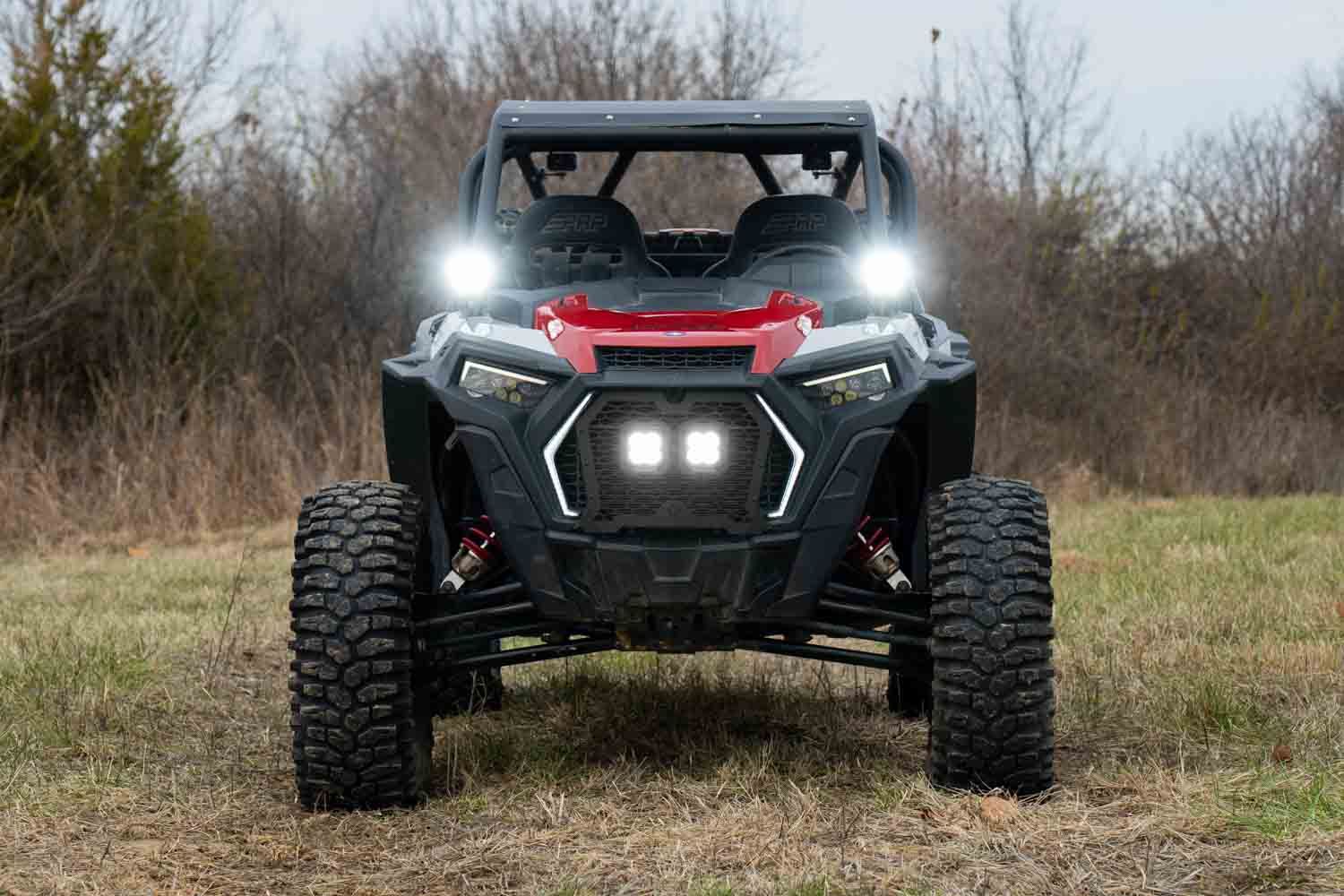
Table of Contents
- Installation Video
- Tools Required
- Installation Instructions
- Questions About the Install?
- Shop RZR Lighting at Ess K Customs
Installation Video
Tools Required
- 15mm socket
- 10mm socket and wrench
- T25 Torx driver
- 5/32" Allen wrench
- 13mm wrench
- Zip ties
- Plastic trim removal tools
Installation Instructions
Step 1 — Remove the Factory Bolts
Using a 15mm socket, remove the bottom bolt from the A-pillar. Slide the included spacer onto the bolt and loosely re-secure it to the vehicle. Remove the top bolt and position the driver-side A-pillar bracket over the bottom bolt.
Step 2 — Install the A-Pillar Brackets
Place a spacer between the A-pillar and the bracket, then thread the top bolt through the bracket and spacer. Adjust the bracket with a level and tighten both bolts securely. Repeat on the passenger side.
Step 3 — Connect the Wiring Harness
For bus bar connection: use a 10mm socket to loosen the positive and negative terminals, add the harness leads, and mount the relay using the T25 screw. For battery connections: remove the driver's seat to access the battery, loosen the terminals with a 10mm wrench, attach the harness leads, and route the DT connectors to each pod away from hot or moving parts.
Step 4 — Assemble the LED Pods
Drop the supplied nuts into the slots on the sides of each pod. With the nylon ring facing inward, slide the universal bracket over the back of the pod and secure with the 5/32" Allen screws and washers. Repeat for the other pod.
Step 5 — Mount the Pods
Plug in the DT connector to each pod. Place the pods on the A-pillar brackets and secure using the included carriage bolts, washers, lock washers, and nuts. Tighten with a 13mm wrench. Test the pods and make final aiming adjustments.
Step 6 — Finalize the Installation
Secure loose wiring with zip ties and ensure the pods are properly aimed. Tighten all hardware with a 5/32" Allen wrench and 13mm wrench. The install is complete.
Questions About the Install?
If you run into any issues during the installation, contact Ess K Customs — as an authorized Diode Dynamics dealer, we're here to help.
Shop RZR Lighting at Ess K Customs
Looking for lighting upgrades for your Polaris RZR? As an authorized Diode Dynamics dealer, Ess K Customs carries genuine products with full manufacturer warranty.
Browse Polaris RZR Lighting at Ess K Customs →
This install guide applies to Diode Dynamics SKUs: DD8079P, DD8080, DD8081, DD8082, DD8083, DD8084, DD8085, DD8086, DD8087