

The SS3 Vertical LED Fog Light Kit for the 2013-2018 RAM 1500 replaces your factory fog lights with SS3 LED pods for dramatically higher output and a clean, factory-style appearance. Available in cool white or selective yellow with optional amber backlight. Custom-molded brackets allow installation in minutes. Here's the full walkthrough.
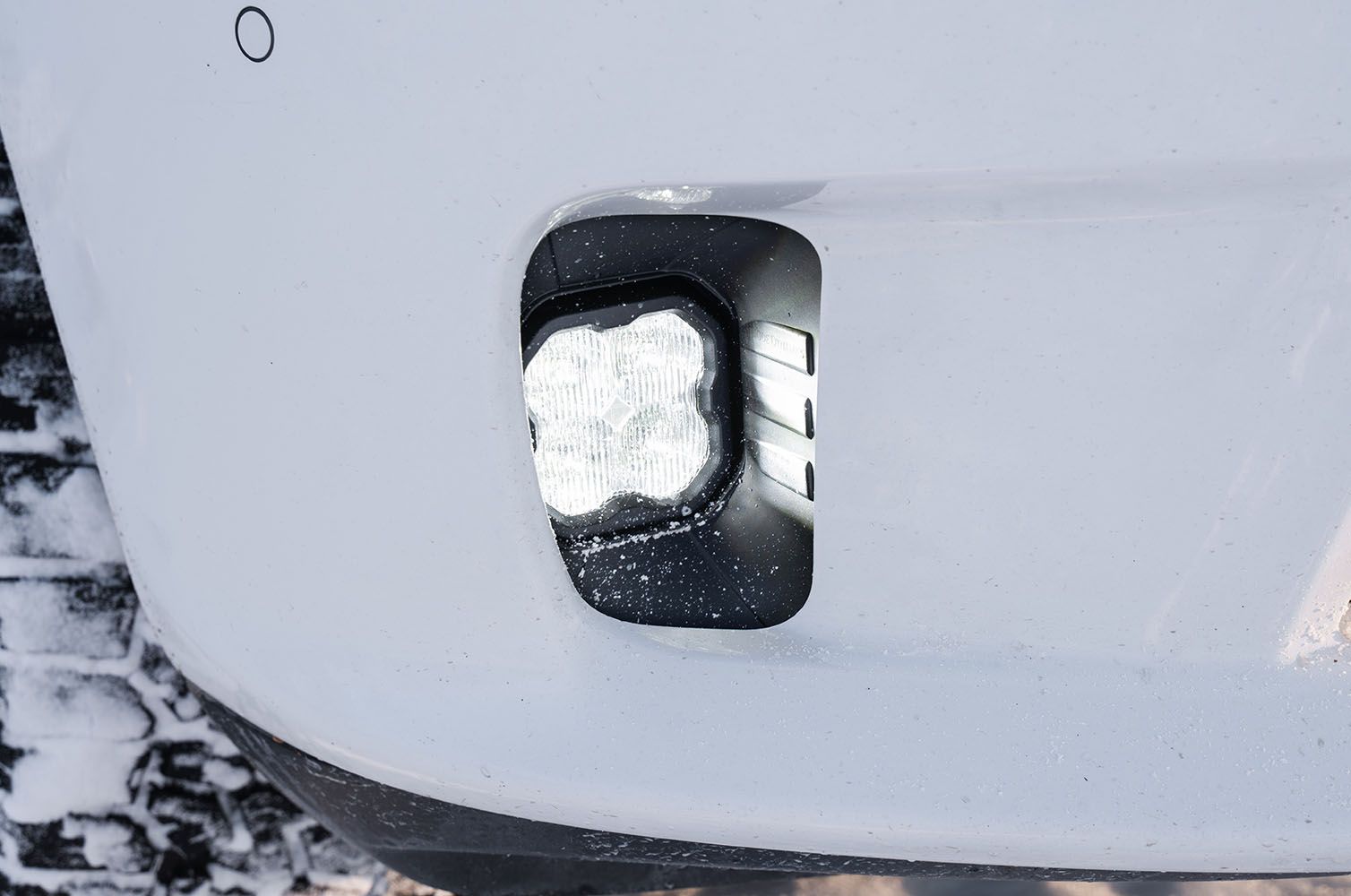
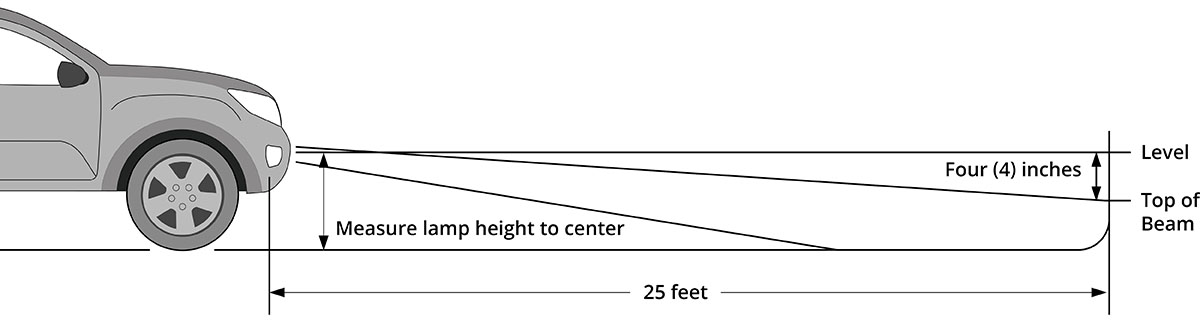
Table of Contents
- Installation Video
- Tools Required
- Installation Instructions
- Aiming Instructions
- Questions About the Install?
- Shop RAM Lighting at Ess K Customs
Installation Video
Tools Required
- Ratchet
- 10mm socket
- 5/32" Allen key
Installation Instructions
Step 1 — Attach the Pods to the Fog Brackets
Install the supplied nuts into the pod housing with the nylon facing inward. Attach the bracket to the pod using the supplied screws and washers in the correct orientation. Tighten so the pod holds its position but can still pivot for aiming.
Step 2 — Remove the Factory Fog Lights
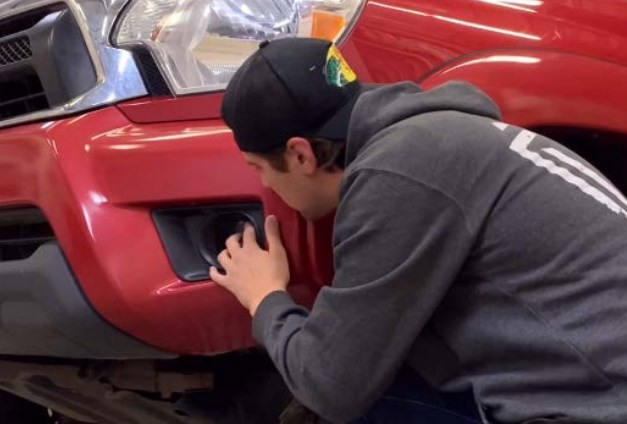
Access your factory fog lights and unplug the fog lamp connector. Use a 10mm socket and ratchet to remove the three bolts holding the factory fog light. Remove the housing — the factory bolts will be reused.
Step 3 — Install the LED Fogs
Install the assembled bracket and pod onto the vehicle by securing with the three OEM bolts using a 10mm socket and ratchet. Plug the SS3 into the factory fog light harness using the included DT wire adapter. Test for functionality (if the light doesn't turn on, flip the connector 180 degrees). For backlit SS3 pods, connect the backlight wire to a fused 12V source using the included T-taps. Repeat on the other side.
Aiming Instructions
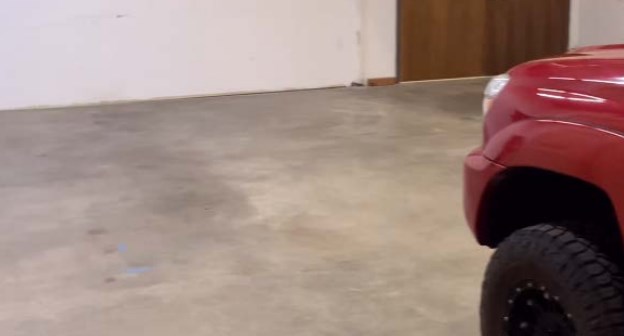
Step 1 — Park 25 feet from a wall on a level surface.
Step 2 — Loosen the 5/32" Allen bolts on each SS3 pod just enough to allow adjustment.
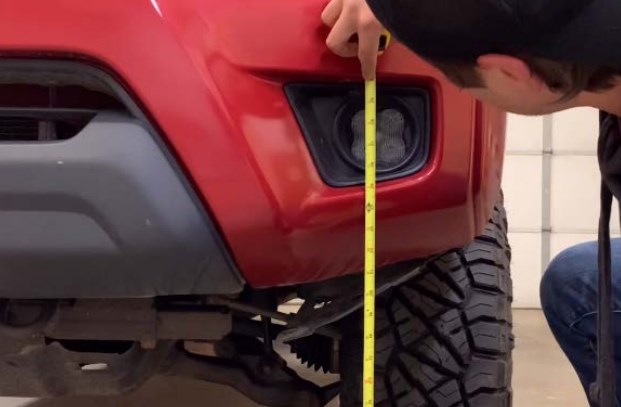
Step 3 — Measure the distance from the ground to the center of the SS3 pod (mounting height).
Step 4 — Mark the mounting height on the wall with tape.
Step 5 — Add a second tape mark four inches below (fog light cutoff line).
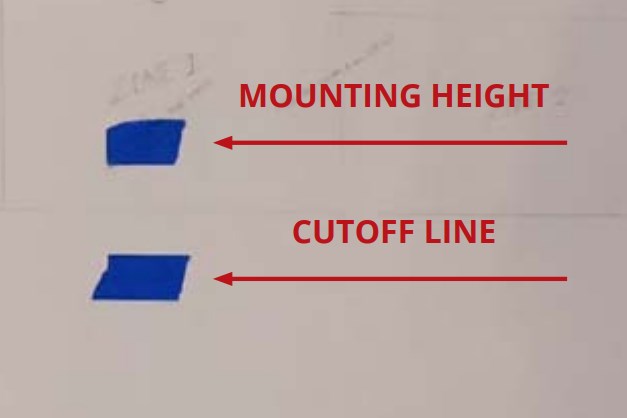
Step 6 — Aim each SS3 pod so the top of the beam pattern aligns with the cutoff line.
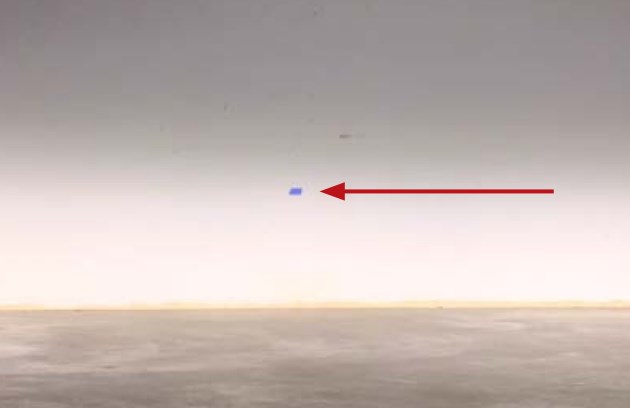
Step 7 — Tighten the Allen bolts. Do not overtighten or use power tools. The install is complete.
Questions About the Install?
If you run into any issues during the installation, contact Ess K Customs — as an authorized Diode Dynamics dealer, we're here to help.
Shop RAM Lighting at Ess K Customs
Looking for lighting upgrades for your RAM 1500? As an authorized Diode Dynamics dealer, Ess K Customs carries genuine products with full manufacturer warranty.
Browse RAM Fog Light Kits at Ess K Customs →
This install guide applies to Diode Dynamics SKUs: DD6184, DD6185, DD6187, DD6188, DD6189, DD6191, DD6686, DD6687, DD6996, DD6997, DD6999, DD7000, DD7001, DD7002